Start here
Your first five minutes with ImmerGround
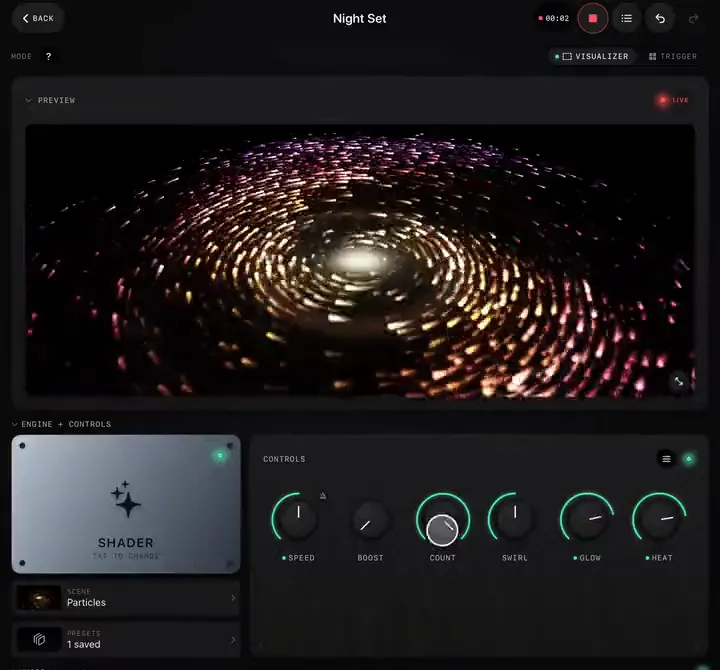
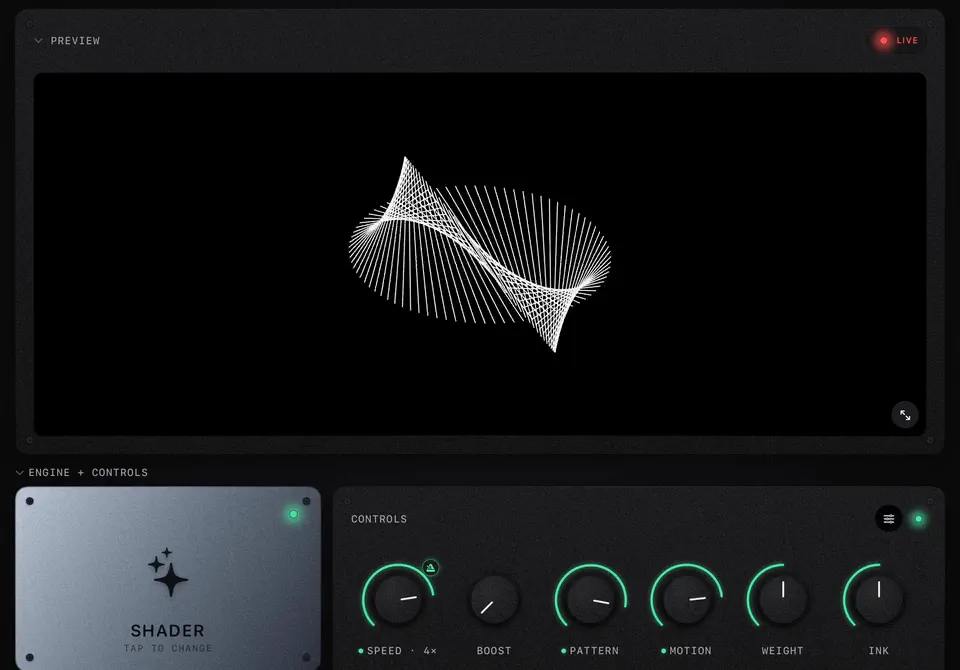
Make a project, pick a shader, play a song and go full screen. Everything else in the app builds on these four moves.
Guides filmed in the app itself: every step is a real recording on an iPad, so what you see is what you will tap. Start with the basics, pick up one feature at a time, or borrow a whole setup for your next gig.
Ten minutes from a fresh install to visuals moving with your music.
Make a project, pick a shader, play a song and go full screen. Everything else in the app builds on these four moves.
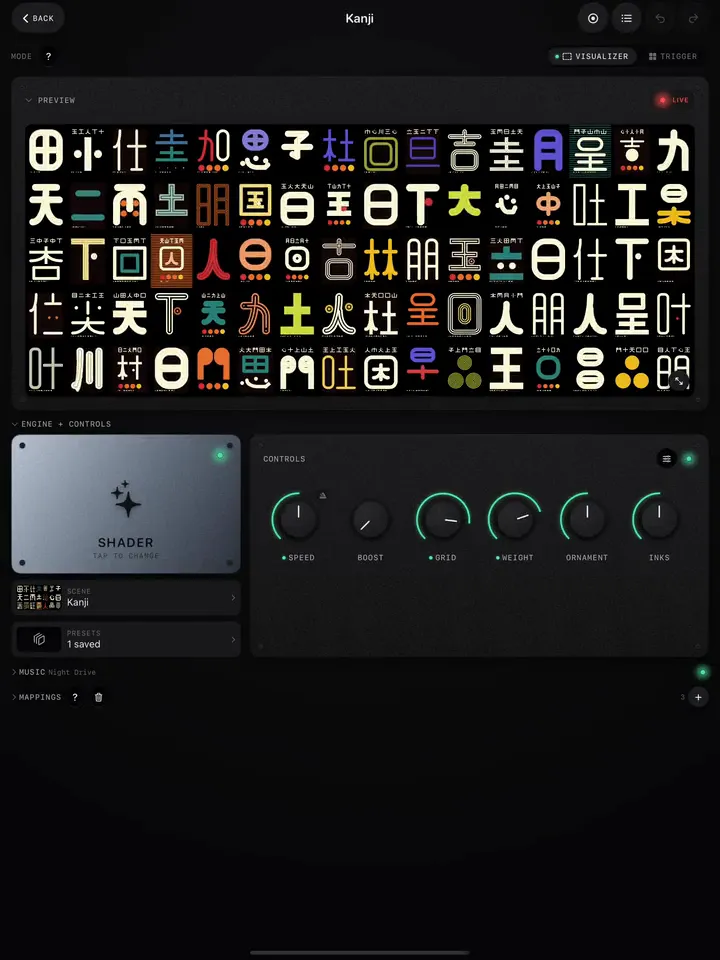
Preview, Engine and Controls, Music, Triggers, Cues, Mappings and Pad Scenes: what each panel is for and when you need it.
One feature at a time, step by step, filmed in the app.
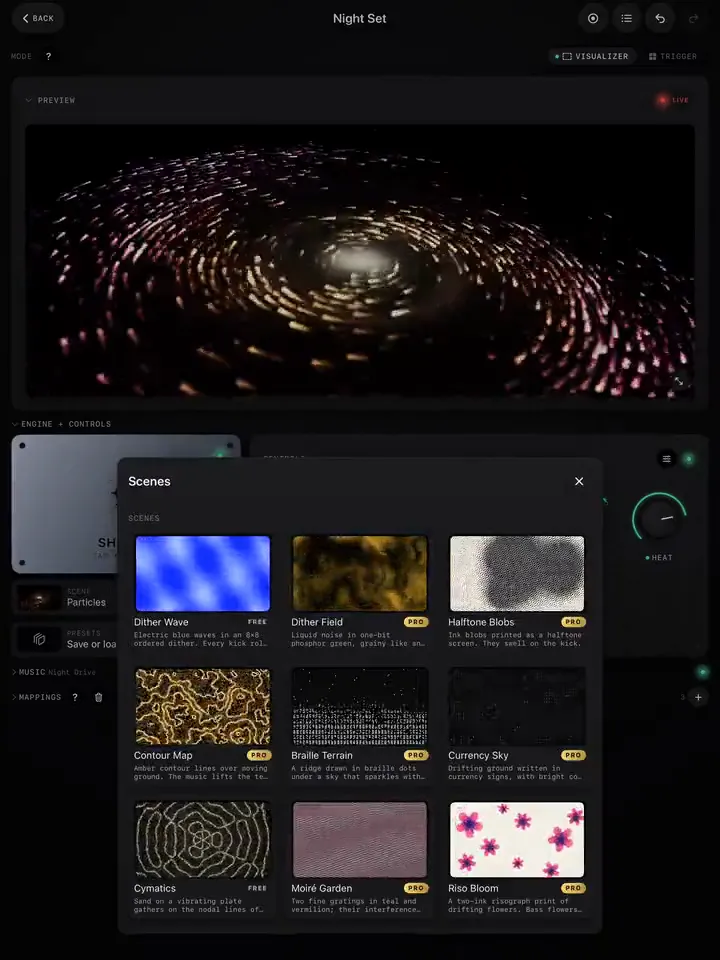
Choose a scene, turn its knobs, decide what happens to its music mappings when you switch, and save the whole setup in one tap.
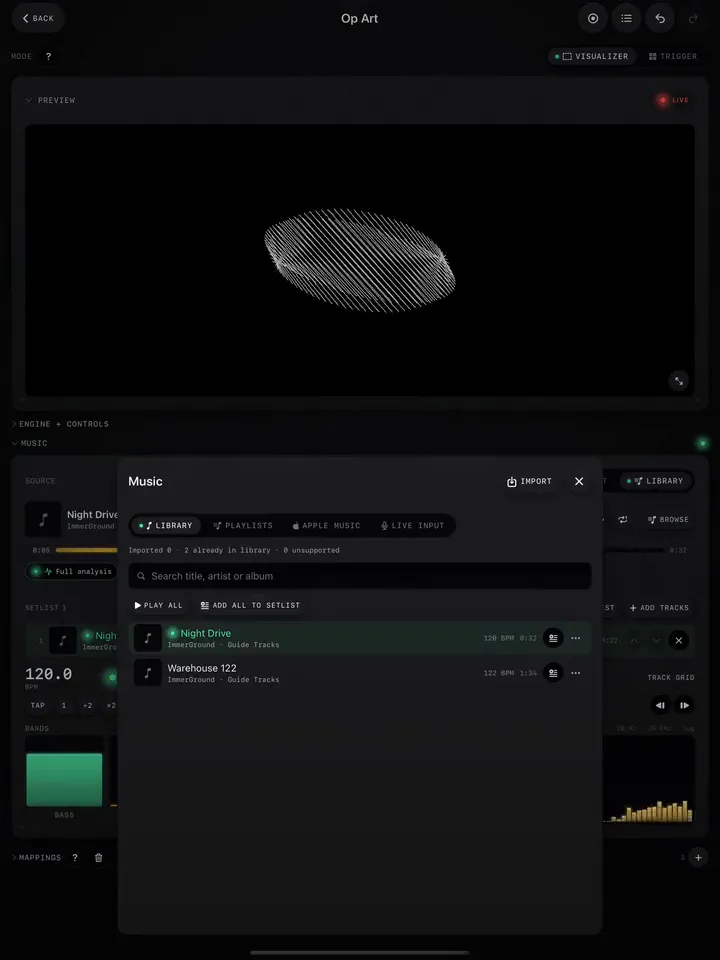
Import songs, build a setlist, listen to a mic or mixer, or on a Mac capture any app. Pick the source that fits where you play.
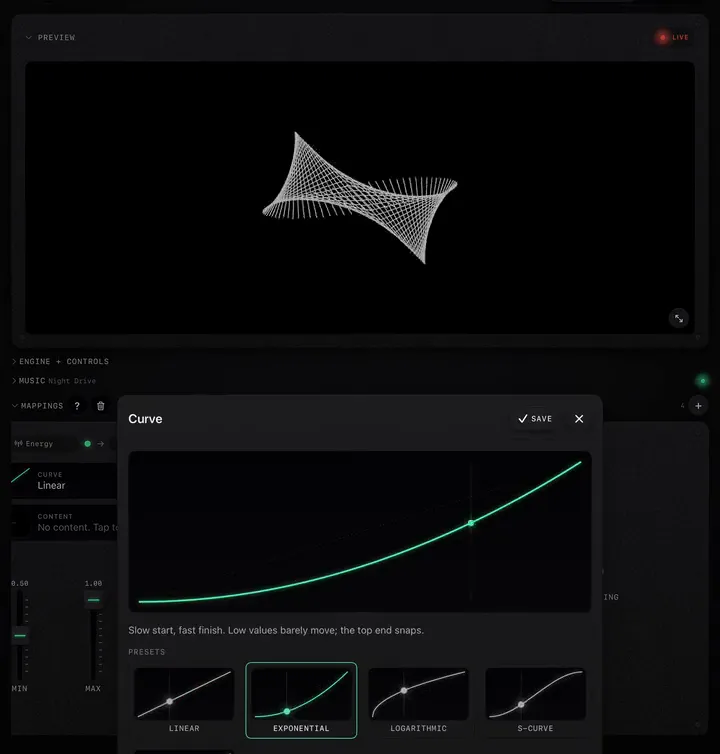
Wire the bass, the beat or the song's energy to any control, then shape how it moves with a curve, a range and smoothing.
Plug in a controller, move a knob, and it is mapped. Then fine-tune channels, pads and velocity, or route MIDI from another app.
Switch to Trigger mode and play effect bursts like an instrument: tap the pads on screen or hit them from a controller.
One pad swaps the clip and moves several effects at once. Add morph, hold-to-play and auto-advance on the bar.
Split a clip into pads at its scene changes, then jump around it with a tap, a key or a MIDI pad, in Jump, Hold, Loop or Once mode.
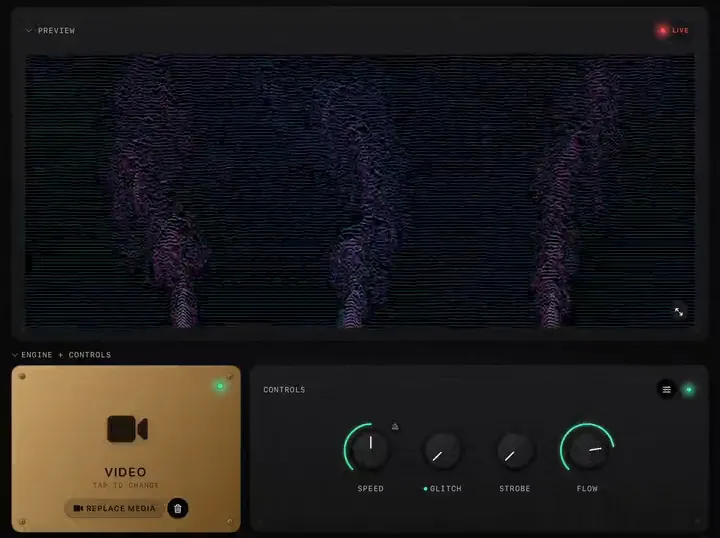
Load a clip or photo, add effect knobs from the core set or the packs, and fill a bank of clips to swap between.
The Music Clock follows the song's tempo. Lock a shader or clip's speed to it, fix the grid when it drifts, and map beats, bars and phrases.
Hit REC, perform, stop. Replay the take, share it, or render it again in up to 4K at 60 fps.
Go full screen, send the picture to a TV or projector, keep the controls on your device, and check what is driving the screen with Test Mode.
Whole setups for real situations: a DJ booth, a band, a video for your song.
The mixer feeds the app, a handful of looks are ready on pads, and the screen behind you follows every drop. A setup you can run alone from the booth.
Import your track, build a look that follows it, record one pass and render it in 4K for YouTube or your release page.
A feed from the desk, a look per song, pads for the big moments and a projector. Run it from the side of the stage, or let it run itself.
Build a look around the hook of a song, record the best 15 seconds, then crop the 16:9 render to vertical in your editor.
How to think about looks, sets and motion, so the screen feels like the music.
Start from one idea, give the music two jobs, add one surprise, and stop before it gets busy. A method that works for any scene.
Map the night as an arc, give each phase a few looks, save the big pads for the peaks, and let the song's sections do some of the work.
Why reactive visuals flicker, and how curves, ranges, smoothing and the right signal make them move like the music instead.