Bands rarely have a VJ. They have a projector the venue lends them, a laptop someone forgot to bring, and a drummer who does not want to think about visuals mid-song. ImmerGround can run behind a band with almost no hands: a feed from the desk drives the picture, each song gets its own look, and a few pads cover the big moments. Here is a setup that works.
Get a feed from the desk
Ask the sound engineer for a spare aux or matrix send, post-fader, into an audio interface on your iPad or Mac. A desk feed is clean (no crowd noise), follows the mix, and does not care how loud the room is.
- In the Music panel, set the source to Input and pick the interface.
- Keep Auto gain on: the engineer will ride the mix all night.
- If the feed has the whole band, the Gate source follows the drums best. If you can get the kick and bass on their own channel, choose it as the analysed channel and map from Bass.
A look per song
Songs in a set differ more than tracks in a DJ set, so give each one its own look:
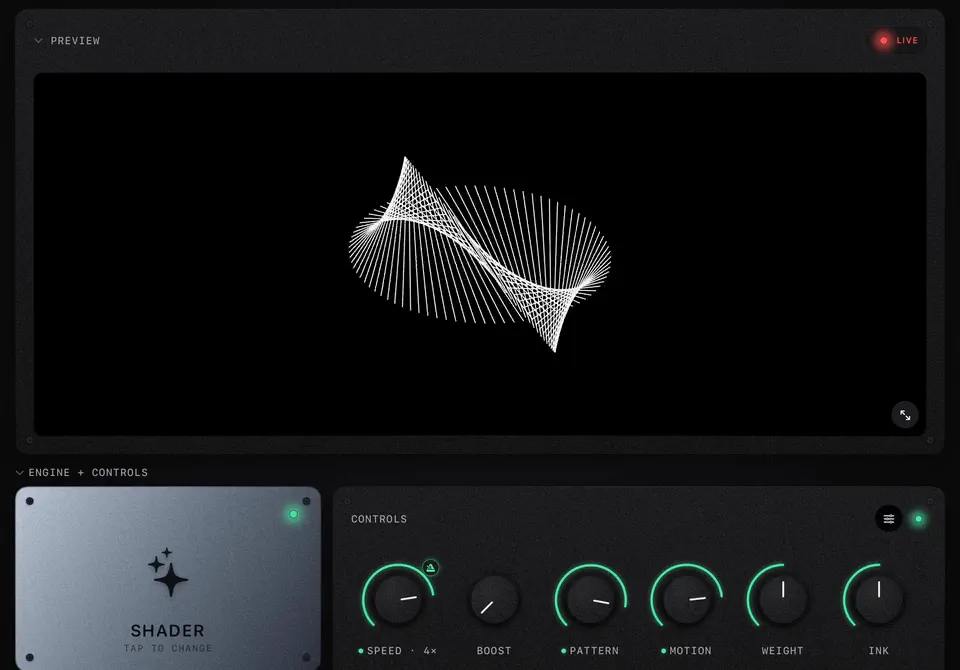
- Build a look for each song (or each group of similar songs) and save it as a shader preset, or as its own project.
- Name them after the songs, in set order.
- Between songs, load the next preset or open the next project. It takes a second while the band tunes.
For songs with their own footage (a music video, live footage, artwork), make a Video project and use Video Cues: split the footage at its scene changes and fire the shots on the chorus.
Run it hands-free
Most of a song can play itself:
- Energy on a palette or pattern knob, with 1 to 2 s of smoothing, makes the chorus look different from the verse.
- Section or Drop on a Trigger burst marks the big changes.
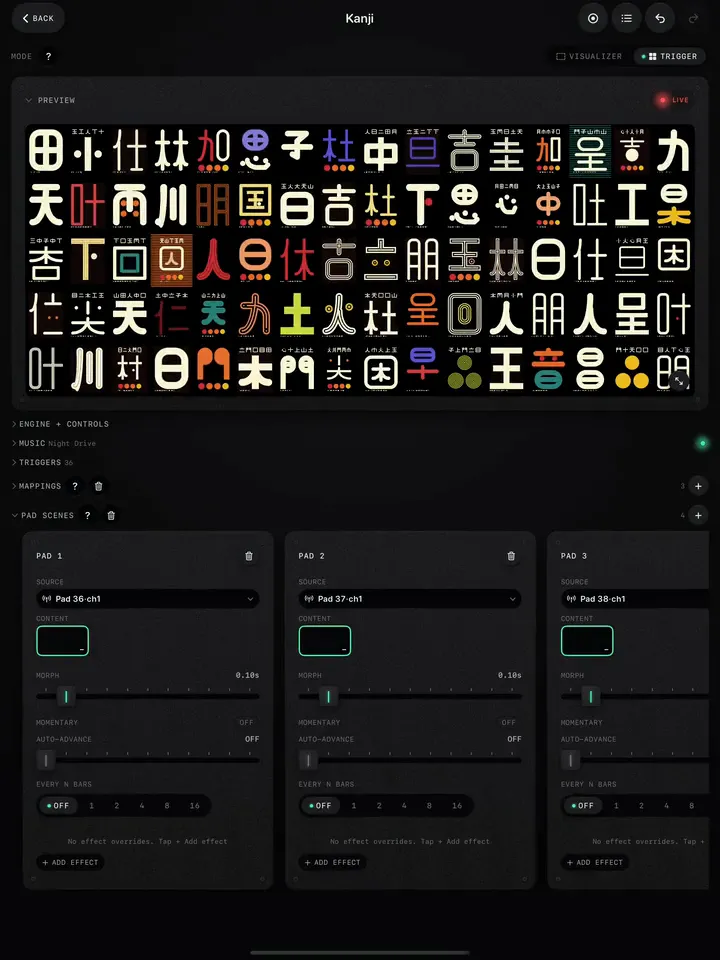
- Pad Scenes with auto-advance step through a bank of clips every 4 or 8 bars once fired.
Live music drifts in tempo, so beat-locked features follow less tightly than with a DJ. Prefer Energy, Gate and Section over Bar and Phrase, and leave Speed sync off for rubato songs.
If someone can play it
A footswitch or small controller at the side of the stage turns the keyboard player or the singer into the VJ for the big moments. Map two or three pads: a Pad Scene for the chorus, Freeze for the stop, a burst for the last hit (Pad Scenes, MIDI setup).
The screen
- Use a cable to the projector, not AirPlay.
- Projectors wash out in stage light. Choose looks with strong contrast and dark backgrounds: they read on a lit stage. Pale, low-contrast scenes vanish.
- Check your looks on the real screen at soundcheck. ImmerGround fills the screen it is given, so a 4:3 projector frames a scene differently from a 16:9 TV.
Setup details for every screen type: Full screen, TVs and projectors.