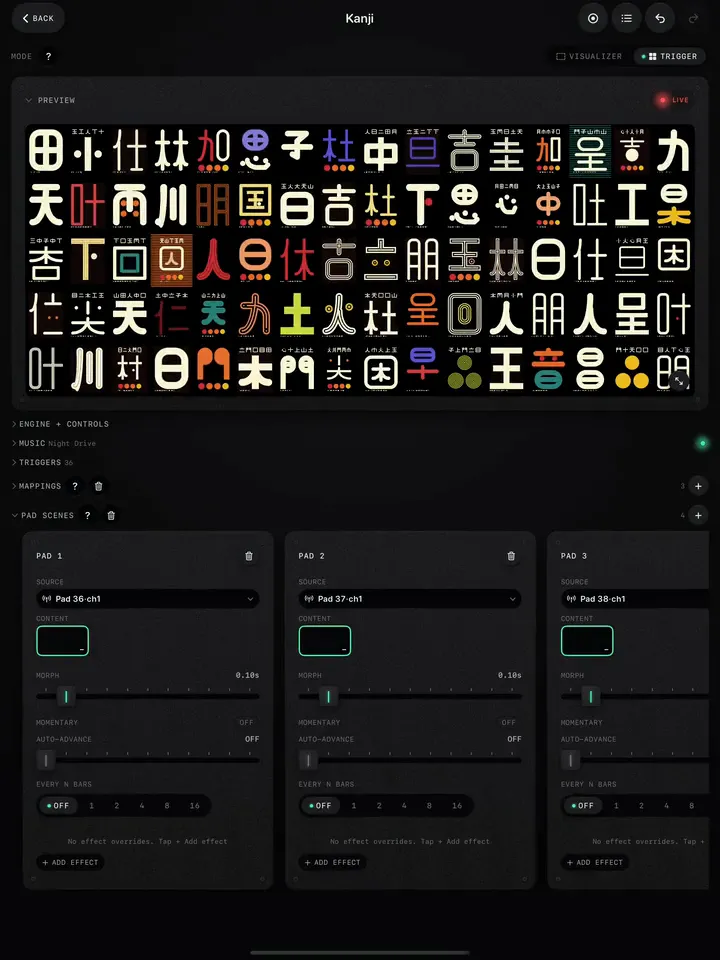
Trigger mode turns a project into an instrument. A grid of pads appears under the preview, each one a short burst over the picture: an invert flash, a slice, a rewind, a thermal sting, a film burn. Tap them on screen, or map them to a controller and play them on the drops. Nothing you fire changes the project's settings; each burst plays and lets go.
Switch to Trigger mode
- Open a project and tap Trigger on the Mode switch at the top.
- The Triggers panel appears under the preview, with the number of pads in its header.
- Tap a pad. The burst plays over whatever is on screen, on top of every mapping that is already running.
Trigger mode also adds Pad Scenes to the workspace, and in Video and Image projects the bank of clips or photos you can swap between.
What the pads do
The pads are grouped by what they hit:
- Pops and stings: Zoom Punch, Chroma Pop, Sepia Sting, Invert Pop, and the thermal stings (Jet, Inferno, Iron, Night Vision, White Hot, Arctic, Plasma). A short flash of a look.
- Bursts: Slice, Pixel, ASCII, Smear, Blur. A short hit of a texture.
- Time: Frame Jump, Freeze, Rewind, Speed Bump, Slow-Mo, Stutter. These bend playback, so they shine on video.
- Motion: Rotate Left and Right, Slide Left, Right, Up and Down.
- Pack pads: Old TV Burst, TV Off, Print Burst, Film Burst, Film Burn, Flow Burst, Depth Burst, Depth Scan. These come with the Pro effect packs.
Choose which pads show
Thirty-odd pads is a lot to read in the dark. Tap the slider button on the Triggers header to edit the grid: hide the pads you never use and reorder the rest. The header then shows how many are visible out of the total. Reset to defaults brings them all back.
In Settings › Workspace Layout, Show in decides which modes show the Triggers pane at all. Turn it on for Visualizer too if you like an occasional hit without switching modes.
Fire them from a controller
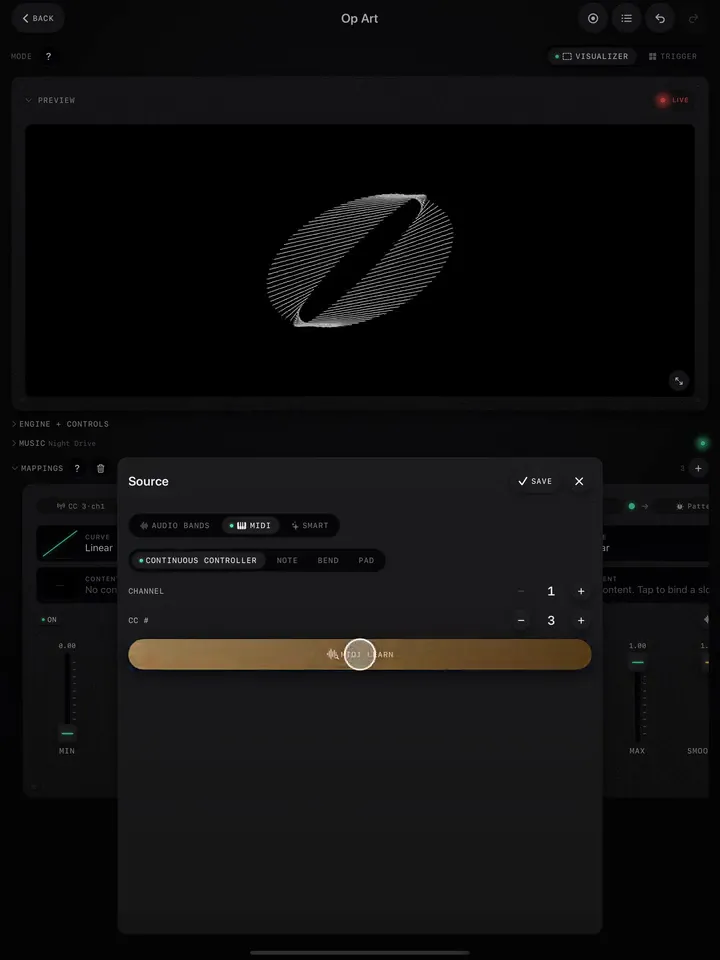
- In Mappings, tap +.
- Set the source to a MIDI pad with MIDI Learn (hit the pad).
- For the destination, open the Triggers tab and pick the burst.
Repeat for each pad. With Learn on New Mapping and Close on Learn on (Settings › MIDI), each one takes two taps and a hit. A beat source works too: Smart › Bar on Invert Pop flashes the downbeat of every bar on its own.
Play them well
- Less is more. A burst on every beat stops being a hit and becomes noise. Save the big ones (Invert Pop, Film Burn, TV Off) for drops and changes.
- Match the sound. Short sharp pads (Slice, Pixel, Invert) for snares and stabs; longer ones (Smear, Slow-Mo, Rewind) for risers and breaks.
- Plan a few combinations. A slide followed by a sting reads as one gesture. Rehearse two or three you like.
For a pad that changes the whole look rather than flashing over it, see Pad Scenes. For planning when to use which, see Plan the energy of a set.