A Pad Scene is a preset on a pad: "hit this, do all of this". One press can swap the clip or photo on screen and move several effects to new values at once, glide there over a morph time, hold only while the pad is down, and step on by itself every few bars. It is how one controller pad becomes a chorus, a breakdown or a drop.
Where Pad Scenes live
Switch the project to Trigger mode and the Pad Scenes panel appears. Each card is one scene. Shader projects start with four cards already on the usual pad notes (36 to 39, channel 1), so most pad controllers fire them without any setup.
Build a Pad Scene
- Tap + on the Pad Scenes header, or use one of the starting cards.
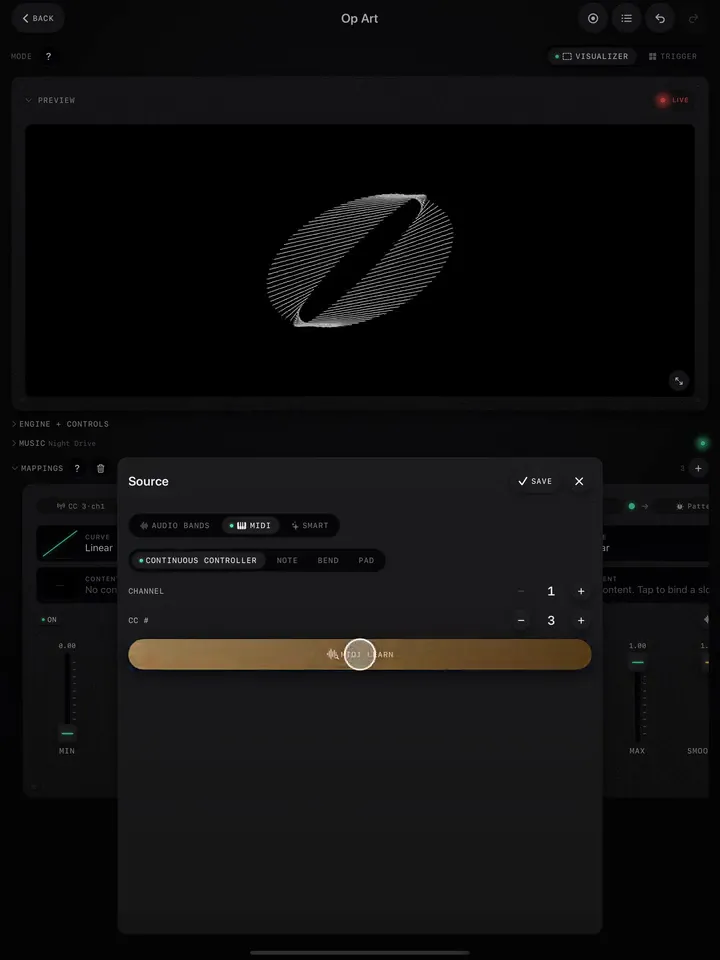
- Source: choose the MIDI pad that fires it (channel and note).
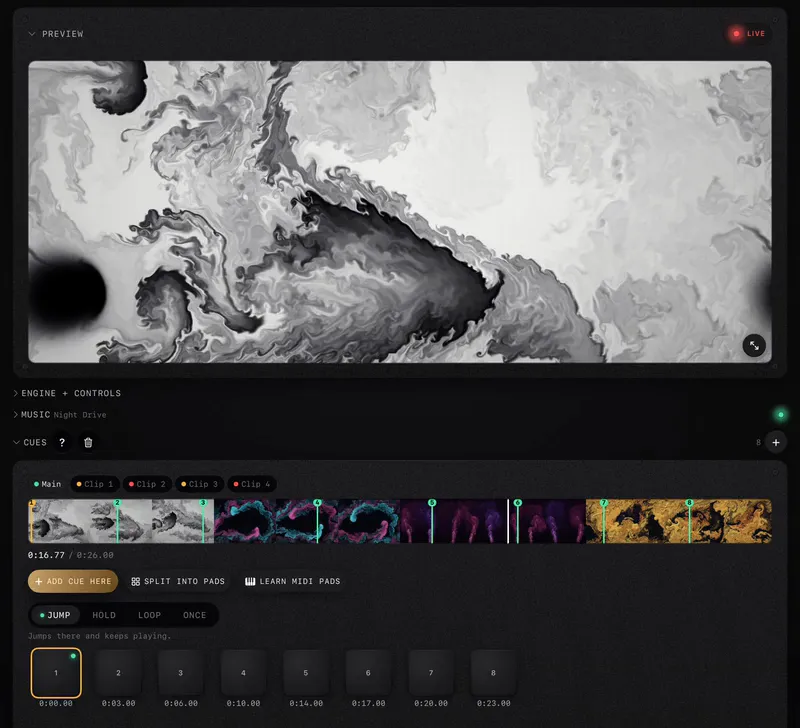
- Content (Video and Image projects): pick the bank slot the scene switches to. Pick several slots and each press steps to the next one in order.
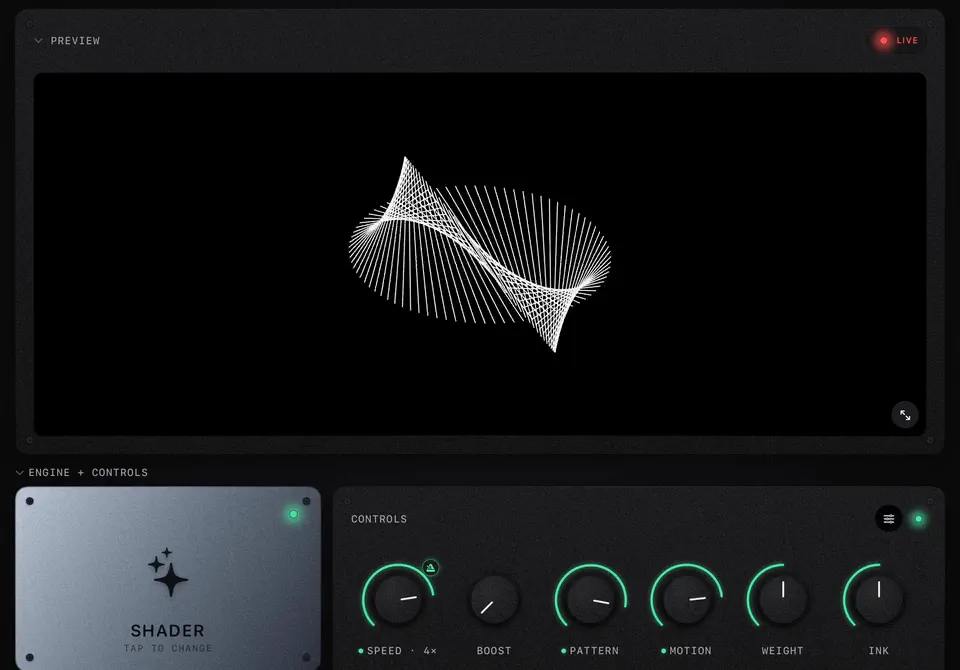
- Add effect: add the effects the scene sets, each with its value. For example Glitch at 0.7, Zoom at 0.4, a thermal palette at full.
- Morph: how long the effects take to glide to their new values. 0.1 s is a cut; 2 s is a fade.
Hit the pad and the whole scene fires at once.
Momentary and auto-advance
- Momentary: the scene holds only while the pad is down and goes back when you let go. Perfect for hold-to-freeze, hold-to-strobe, or a thermal look for exactly as long as a riser lasts.
- Auto-advance with Every N bars (1, 2, 4, 8 or 16): once fired, the scene steps on by itself through its content slots on the bar, locked to the Music Clock. Load four clips, set 4 bars, hit the pad once at the start of the chorus, and the clips change on time without you.
Three recipes
| Scene | Settings | When |
|---|---|---|
| Calm | Slot 1 (your softest clip), Glitch 0, Blur 0.3, Morph 2 s | Intros and breakdowns |
| Drop | Slot 2, Glitch 0.8, a thermal palette 1, Zoom 0.4, Morph 0.1 s | The drop, on the one |
| Freeze | Freeze 1, RGB split 0.6, Momentary on | Held through a break or a riser |
Pad Scenes or Trigger pads?
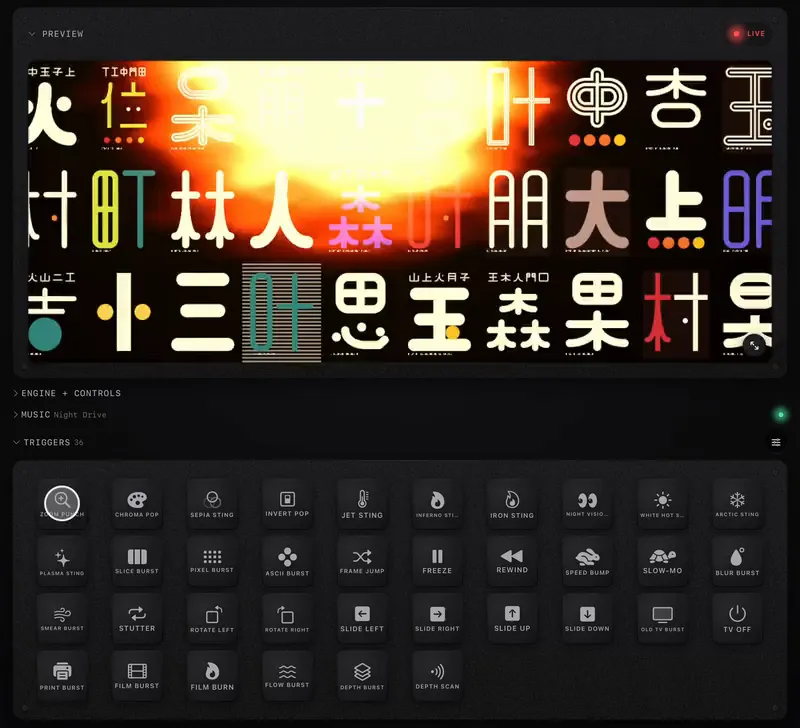
A Trigger pad plays a burst over the picture and lets go. A Pad Scene changes the picture itself and stays (unless it is momentary). Use bursts for accents and Pad Scenes for sections. A typical controller layout: the top row of pads on Pad Scenes (one per part of the song), the bottom row on bursts.