Any class-compliant MIDI controller works with ImmerGround: knobs, faders, pads and keys over USB-C, USB through an adapter, or Bluetooth. Most of the time you never type a number: you tap MIDI Learn, move the control, and it is mapped. This guide covers learning, the settings that make it one gesture, pads and velocity, and MIDI from other apps.
Connect the controller
- iPad and iPhone: plug the controller into the USB-C port (or through Apple's USB adapter). A powered hub helps with controllers that draw a lot of current. Bluetooth MIDI controllers pair from the controller maker's app or from any app's Bluetooth MIDI panel.
- Mac: plug it in. Anything that shows in Audio MIDI Setup shows in ImmerGround.
Settings › MIDI lists the devices ImmerGround sees. If a controller does not show up, check it in our free MIDI tester on a computer first: if it sends nothing there, the problem is the cable or the controller's mode, not the app.
Map a knob with MIDI Learn
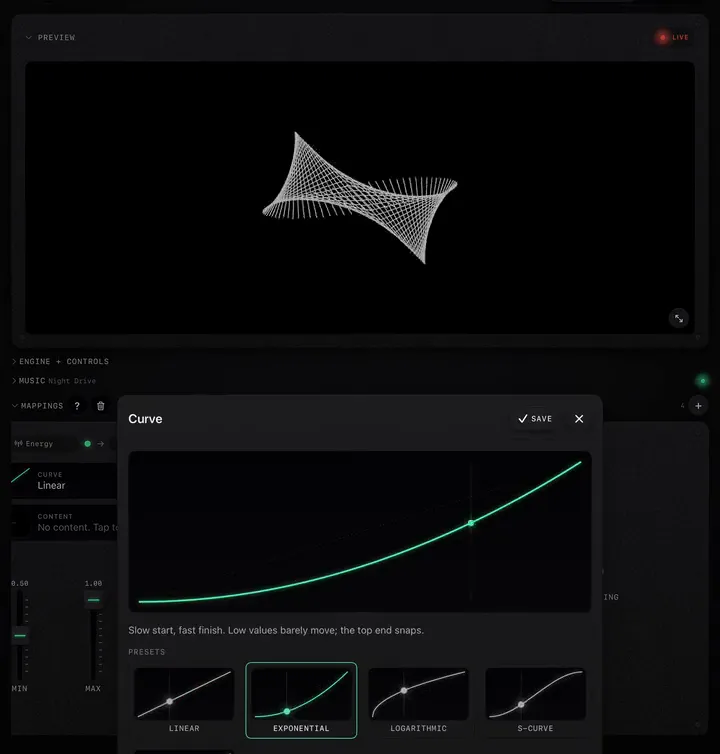
- In Mappings, tap +, or tap the source chip of an existing mapping.
- Open the MIDI tab.
- Tap MIDI Learn. It turns red and says Listening for MIDI.
- Move the knob or hit the pad on your controller. The type, channel and number fill in.
- Tap Save, then choose the destination.
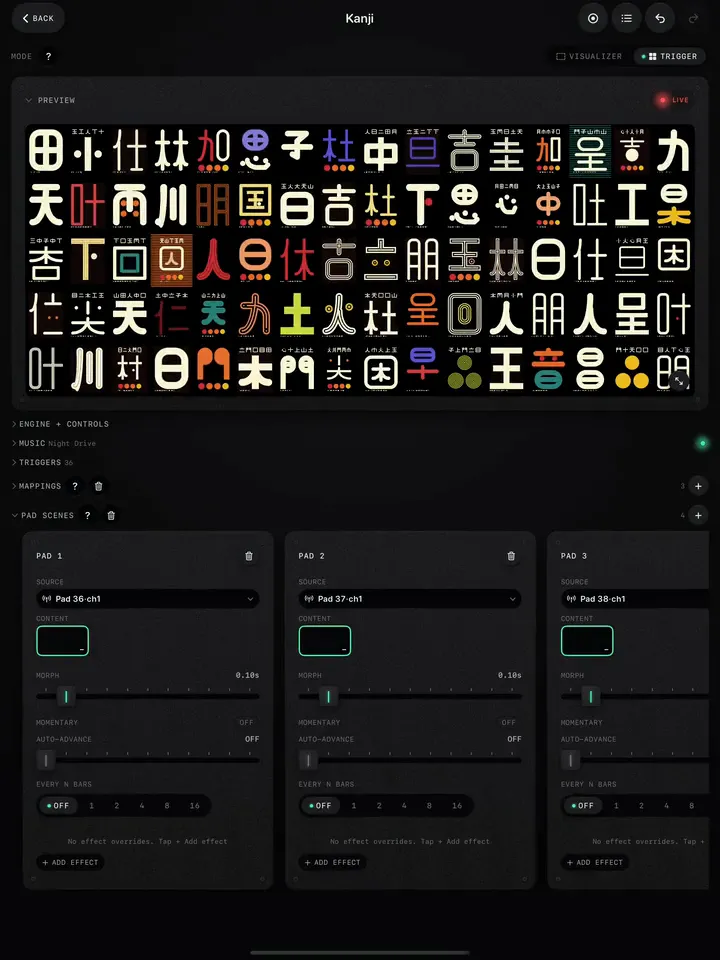
Learn picks the most specific thing it heard: a pad over a CC, a CC over pitch bend, pitch bend over a plain note. The labels read like CC 74·ch1 or Pad 36·ch1. If the control is already mapped elsewhere, the picker says so.
Make mapping one gesture
Two switches in Settings › MIDI turn the steps above into a single move:
- Learn on New Mapping: a new mapping that starts on a MIDI input opens the source picker with Learn already listening.
- Close on Learn: once Learn catches an event, the picker saves and closes on its own.
With both on: tap +, move a knob, done. Leave Close on Learn off when you want to check the channel or number before saving.
CC, Note, Bend or Pad
| Type | Use it for |
|---|---|
| Continuous controller (CC) | Knobs and faders. The usual choice. |
| Pad | One specific pad or key by note number. Fires triggers and Pad Scenes. |
| Note | Any note on a channel drives the destination. Some controllers send knob turns as notes, which then trigger it too; use Pad for a single note. |
| Bend | The pitch bend wheel, bipolar around the middle. |
Pads and velocity
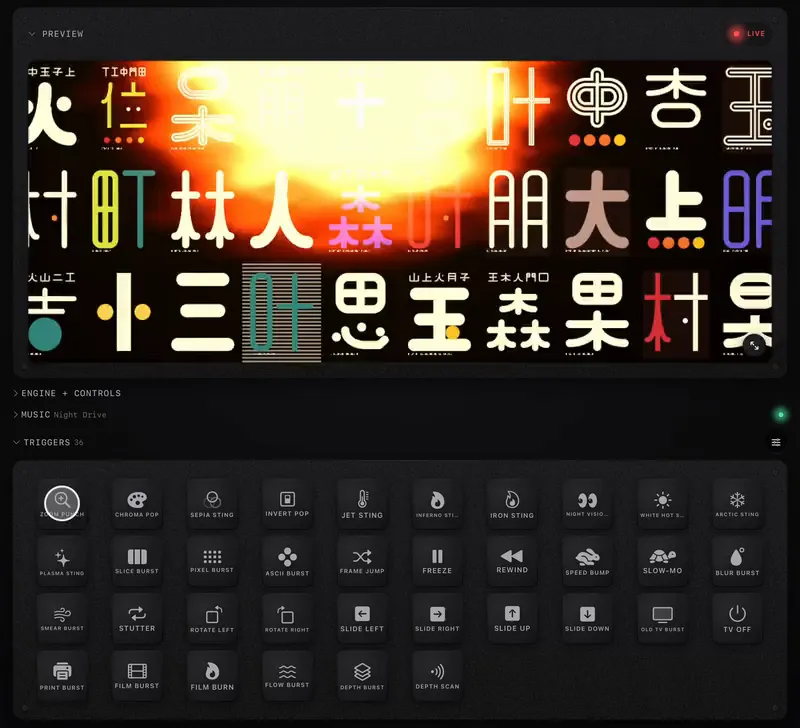
By default a pad fires as hard as you hit it. If your pads are uneven, or you want every hit at full strength, turn on Settings › MIDI › Fixed pad velocity. Note-off still releases momentary triggers as normal. To fire the Trigger pads from hardware, add mappings from your pads to the destinations on the Triggers tab; to fire several things at once from one pad, use Pad Scenes.
MIDI from other apps
ImmerGround publishes its own MIDI ports. In an iPad music app (AUM, Loopy Pro, GarageBand, Drambo and others), route MIDI to ImmerGround's input and the events arrive instantly, as if a controller were plugged in. The ImmerGround Out port forwards every event ImmerGround hears from your hardware, so one keyboard can drive both a synth and the visuals. Both are listed in Settings › MIDI › Inter-app MIDI.