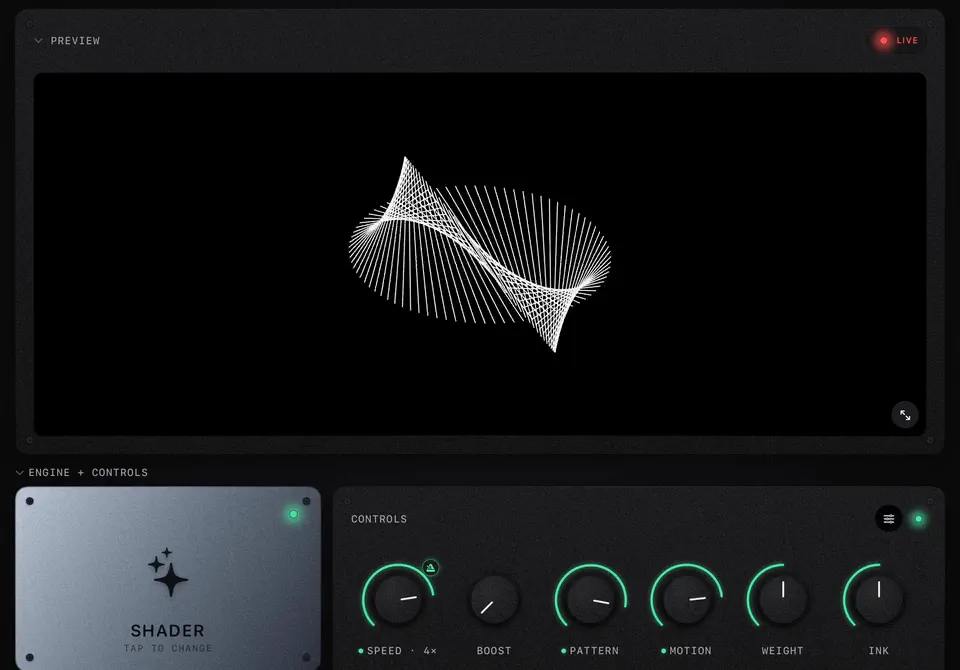
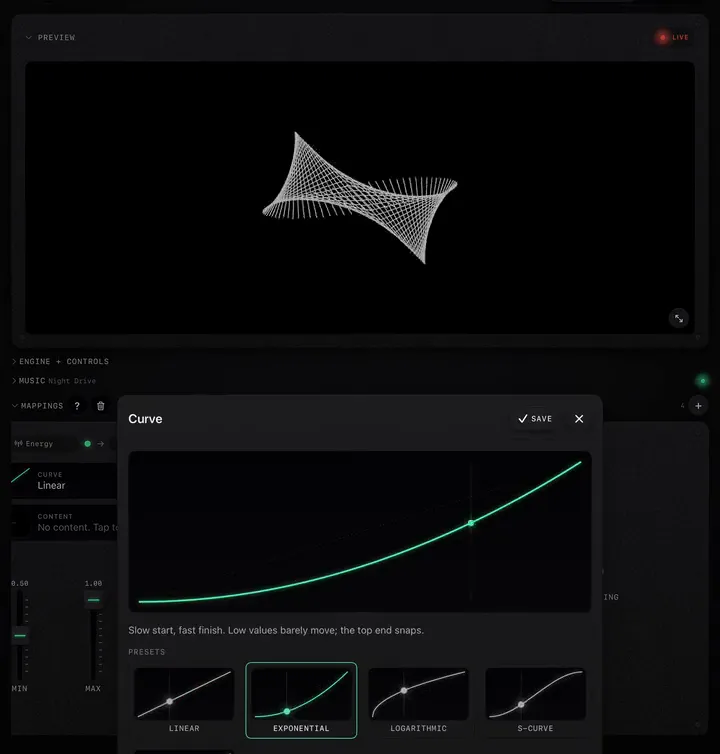
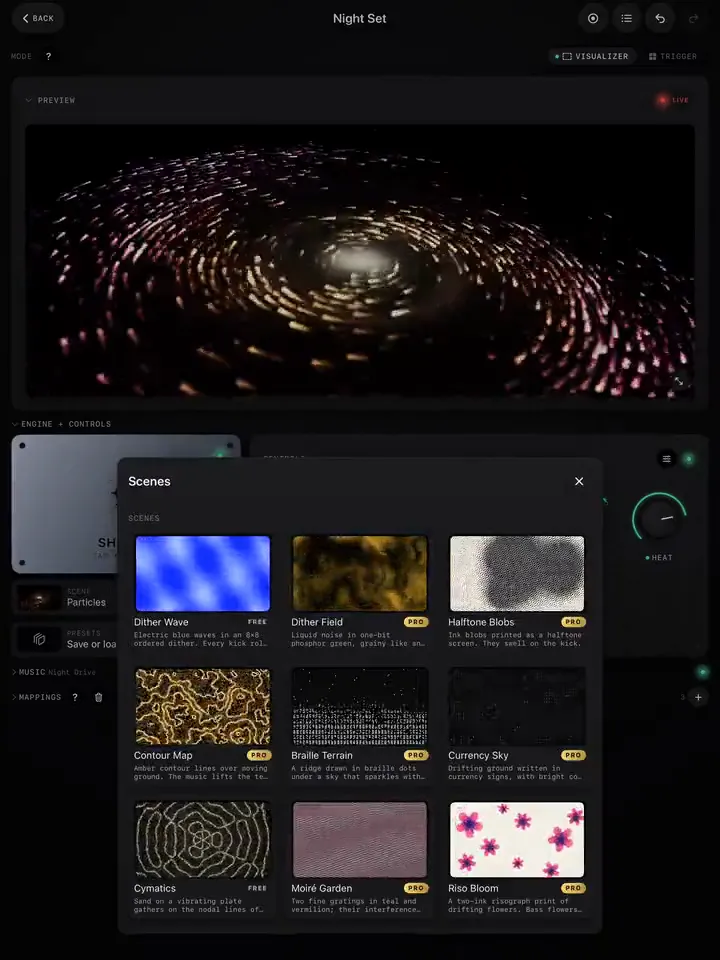
Most visuals that feel wrong have too much going on: every knob mapped, every band driving something, the screen busy all the time and somehow never on the beat. This is a working method for building a look in ImmerGround that holds a room. It fits on one page and works on any scene, video or photo.
Start from one idea
Before touching a knob, say in a few words what the look is: "a city breathing at night", "ink dropped in water", "a poster wall that changes on the kick". That sentence decides every choice after it. If you cannot say it, browse the scene picker with the music playing until one makes you stop scrolling, then name it.
Then find a still frame you like. Pause the music, set the scene's four knobs until the picture is right with nothing moving: colour, density, size. A look that is ugly when still will not be saved by motion.
Give the music two jobs
Press play. Now decide what the music does, and stop at two:
- A fast job for the beat. Usually Bass or Gate on the scene's motion, zoom or size knob, Exponential curve, short smoothing (0.08 to 0.15 s). This is what makes people feel the kick on the screen.
- A slow job for the song. Energy on a colour, palette or pattern knob, Linear, long smoothing (1 to 2 s). This is what makes the chorus look different from the verse.
Every shader starts with exactly this pair. On a video or photo, add them yourself (how).
Add one surprise
A look with only steady reactions gets predictable within a minute. Add one thing that happens rarely:
- Smart › Drop on a Trigger burst (Invert Pop, Film Burn), so the biggest moments flash.
- Smart › Phrase on a pattern knob, so the motif changes every phrase.
- High on a small amount of RGB split, so the hats add a shimmer only in busy parts.
Rare is the point. If the surprise fires every bar, it is not a surprise; move it to a slower source or narrow its range.
Leave room for your hands
If you will play live, keep one or two knobs free of music mappings, so turning them does exactly what you expect: Speed, a glitch amount, Strobe. Map them to a controller if you have one. A look that the music fully controls leaves nothing for you to add.
Test it on the real music, then cut
- Play three different songs through it: a quiet one, a busy one, and the loudest track you will play. A look tuned on one song often maxes out on another. Narrow the ranges until all three work.
- Watch it full screen from across the room. What reads on a tablet in your hands is not what reads on a wall.
- Remove one thing. Mute each mapping in turn with its On switch. If the look is as good without it, delete it.
Save it
Save the result as a preset (shaders) or keep it as its own project (video and photo), named by its idea, not by the scene: "City breathing" says more in a dark booth than "Skyline 3". See Pick a shader, shape it, save it as a preset.