A 15-second clip of a song's best moment, with visuals that hit on the beat, is one of the easiest posts to make and one of the most watched. This guide makes one in ImmerGround: a look built around the hook, one short take, and a vertical crop for Reels, TikTok and Shorts.
Find the moment
Pick the 10 to 20 seconds people will remember: the drop, the hook, the first line of the chorus. Note where it starts. In ImmerGround, play the song from the library and scrub the progress bar in the Music panel to that point.
Build a look for the hook
A short clip can be louder than a full-length video. Push the look harder than you would for a whole song:
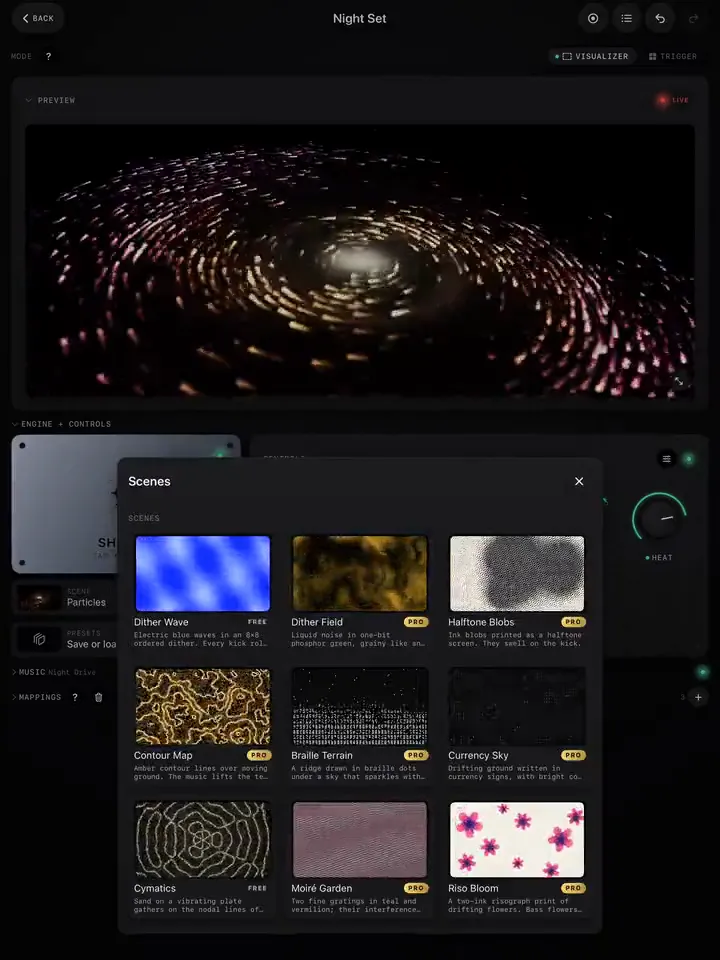
- Pick a scene with a strong shape at phone size: Kanji, Posters, Wobble Grid, Op Art and Dither Wave all read well small. Fine detail (thin lines, small dots) turns to mush once the platform compresses it.
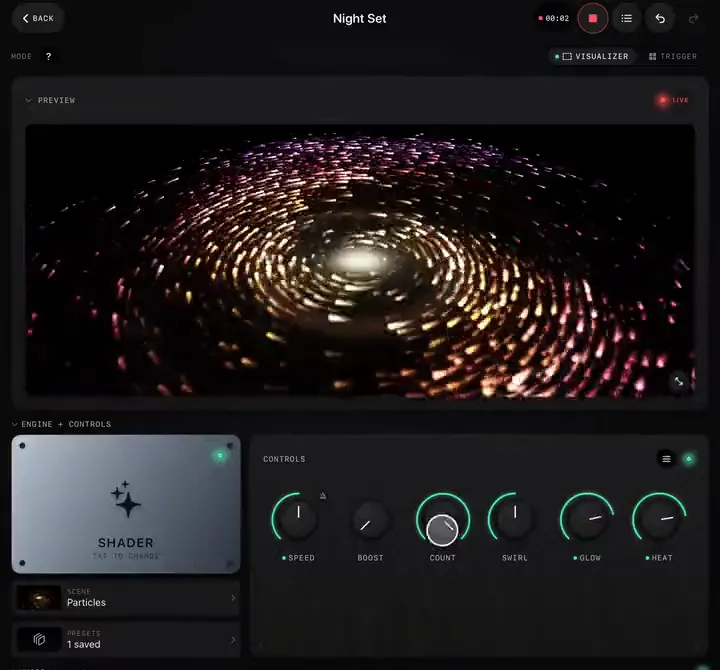
- Bass on motion with an Exponential curve and a wide range, so every kick shows.
- One Trigger burst for the drop: Invert Pop, Slice Burst or Film Burn.
- Headliner, if you want the artist or song name on screen: it spells out the project's name.
Frame for vertical
ImmerGround renders 16:9. A vertical post keeps the middle of the frame, so:
- Keep the action in the centre third. Scenes that grow from the centre (Particles, Deep Echo, Op Art, Glass Lotus) crop well; wide panoramas (Skyline, Facades) lose their edges.
- For your own footage, frame the subject in the middle before loading it.
Record and render
- Set the song a few seconds before the moment.
- Tap REC, play, fire the burst on the drop, and stop a few seconds after.
- In Sessions, render the take at 1080p or 1440p, 30 or 60 fps (4K is more than phones need, and slower to upload).
- Share it to your editor.
Crop and post
- In your editor (CapCut, the Photos app, Final Cut, Premiere or any other), set the project to 9:16, or 4:5 for an Instagram feed post.
- Scale the 16:9 render to fill the height, keep the centre, and trim to the moment.
- Put any text in the middle of the frame, clear of the platform's buttons on the right and its caption at the bottom.
Make it worth watching
- Start on movement. The first half second decides whether people stay. Start on a hit, not on a fade in.
- Loop it. If the last frame flows into the first, people watch it twice. Cut on the bar.
- Several looks, one song. Render the same take with two or three different scenes and post them over a week.
- Say what it is. A line like "visuals made live from the song" in the caption answers the first comment.
For the full-length version, see A visualizer video for your own song.