Reacting to the music is one thing; moving in time with it is another. ImmerGround's Music Clock follows the song's tempo and beat grid, and three features build on it: Speed sync locks a shader or clip to the beat, Smart sources fire on beats, bars and phrases, and Pad Scenes can advance on the bar. This guide covers the clock, how to correct it, and Speed sync.
Read the Music Clock
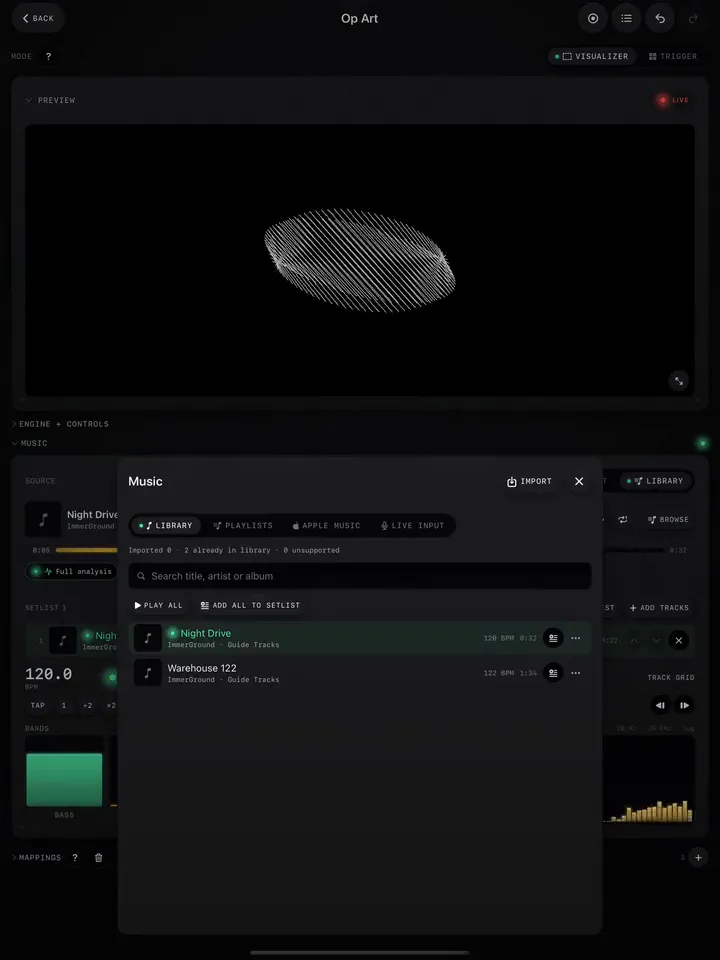
Open the Music panel. Under the player is the clock: the tempo in BPM, a dot that blinks on each beat, and a label that says where the tempo comes from:
- Track grid: a song from the library, analysed in full. The most accurate.
- Detected: tempo found live from the input.
- Tapped: a tempo you set by hand.
Correct it when it is off
Tempo detection is very good on steady dance music and less sure on swung, live or ambient material. The buttons under the BPM fix it:
| Button | Does | Use when |
|---|---|---|
| Tap | Sets the tempo from your taps | Nothing is detected, or it is wrong |
| 1 | Marks this moment as beat 1 of the bar | The bar starts in the wrong place |
| ÷2, ×2 | Halves or doubles the tempo | It reads 174 for a 87 BPM song, or the other way round |
| Nudge arrows | Shift the grid 10 ms earlier or later | The flashes land just before or after the kick |
Every one of these is also a destination on the Triggers tab of the mapping editor (Tap tempo, Downbeat here, Half tempo, Double tempo, Nudge earlier, Nudge later), so you can put them on controller pads and fix the grid without looking at the screen.
Lock speed to the beat
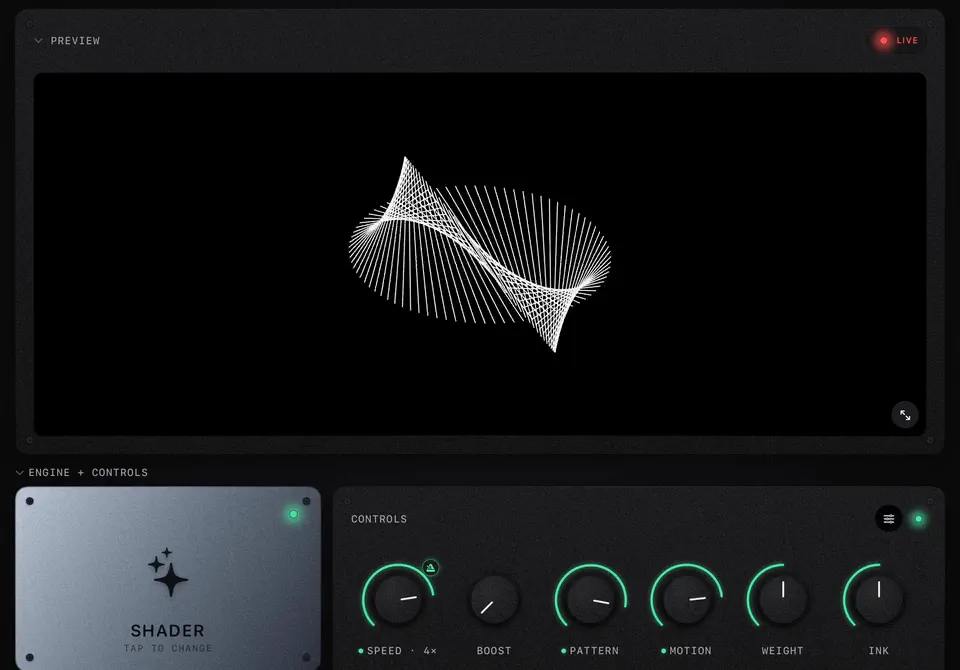
- Tap the small metronome next to the Speed knob.
- The label changes to Speed · 1×. The scene or clip now runs in time with the clock.
- Turn the knob to step through whole speeds, from ¼× to 4×.
On a shader, one loop of the scene's motion lasts 8 bars at 1×. On a video, the clip (or the loop between two cues) is fitted to a power-of-two number of bars, so a loop that would end mid-bar ends on the bar instead. Tap the metronome again to go back to free speed.
Map beats, bars and phrases
In the source picker, the Smart tab has the clock's events:
- Beat, Bar, Phrase: fire on every beat, every downbeat, every phrase start. Bar on a Trigger pad flashes the one; Phrase on a scene's pattern knob changes the motif every phrase.
- Beat ramp, Bar ramp: rise from 0 to 1 across each beat or bar. Bar ramp on Zoom gives a slow push that resets on the downbeat.
- Section and Drop: the big changes in a track, for the moments that deserve a new look.