A two-hour set is not twenty-four five-minute videos. It has a shape: a warm-up, a build, peaks, a breather, a close. Visuals that follow that shape feel designed; visuals that run at full intensity from the first track wear the room out by midnight. This is how to plan the visual energy of a night in ImmerGround. It works the same for a DJ, a band, or a VJ playing for someone else.
Draw the arc
On paper or in your head, split the night into phases and give each a number from 1 to 5 for intensity:
| Phase | Intensity | The screen should feel |
|---|---|---|
| Doors, warm-up | 1 to 2 | Calm, slow, mostly dark. Something to look at, not to watch. |
| Build | 2 to 3 | More motion, more colour, still restrained. |
| First peak | 4 | Hits on the kick, bursts on drops. |
| Breather | 2 to 3 | A different world: new palette, slower. |
| Main peak | 5 | Everything you kept back. |
| Close | 1 to 2 | Wind down; let the last track breathe. |
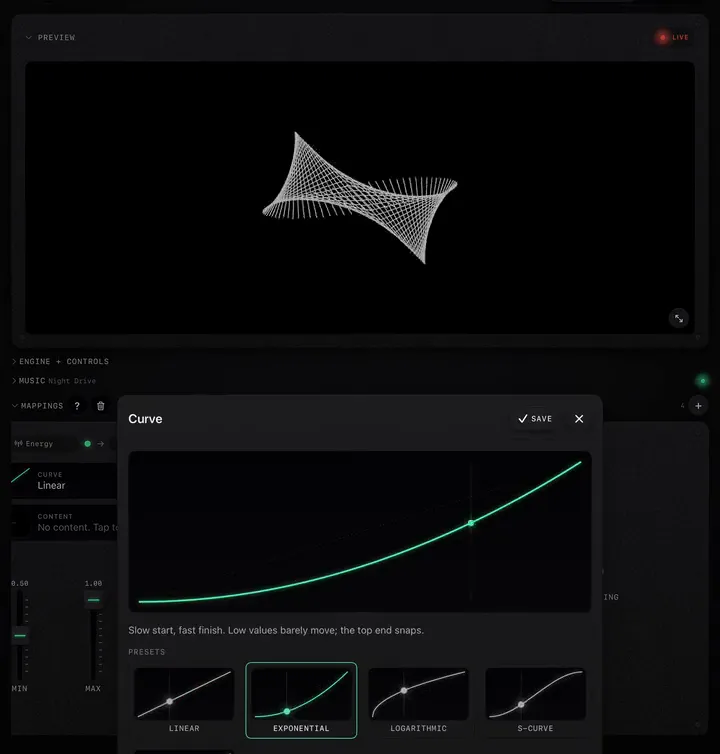
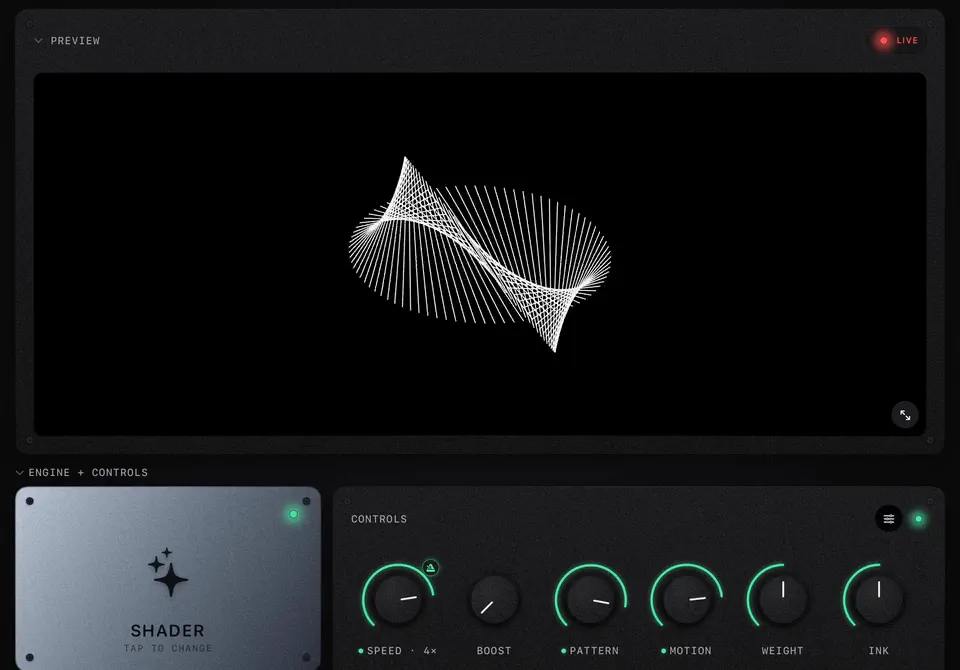
Intensity comes from four things: speed, contrast, how hard the mappings react (their range and curve), and how often you fire bursts. You can raise or lower each one without changing the scene.
Give each phase a few looks
Two or three looks per phase is enough. Save them as presets or projects, named by phase: "1 warm ink", "3 grid", "5 peak glitch". In the booth you then only ever choose from a short list.
- Use the same scene at different intensities across phases: Dither Wave at low Speed with long smoothing for the warm-up, the same scene with Speed sync at 2× and wide Bass range for the peak. It ties the night together.
- Change world (scene, palette) at the breather. A new look after a peak resets the eyes.
Save the big moves for the peaks
Decide in advance which effects you will not use before the first peak: full Strobe, Film Burn, TV Off, the hardest glitch. If the room has seen them at 10 pm, they mean nothing at 1 am. Keep them on pads you only touch at intensity 4 and 5.
Let the song's structure do some of the work
ImmerGround's Smart sources follow the music's structure, so part of the plan runs itself:
- Energy rises and falls with each track's dynamics: map it to colour or pattern and every breakdown and drop shows up without you.
- Section and Drop mark the big changes inside a track.
- Track change fires when a new song starts in the player: map it to a pattern knob or a burst to mark the transition.
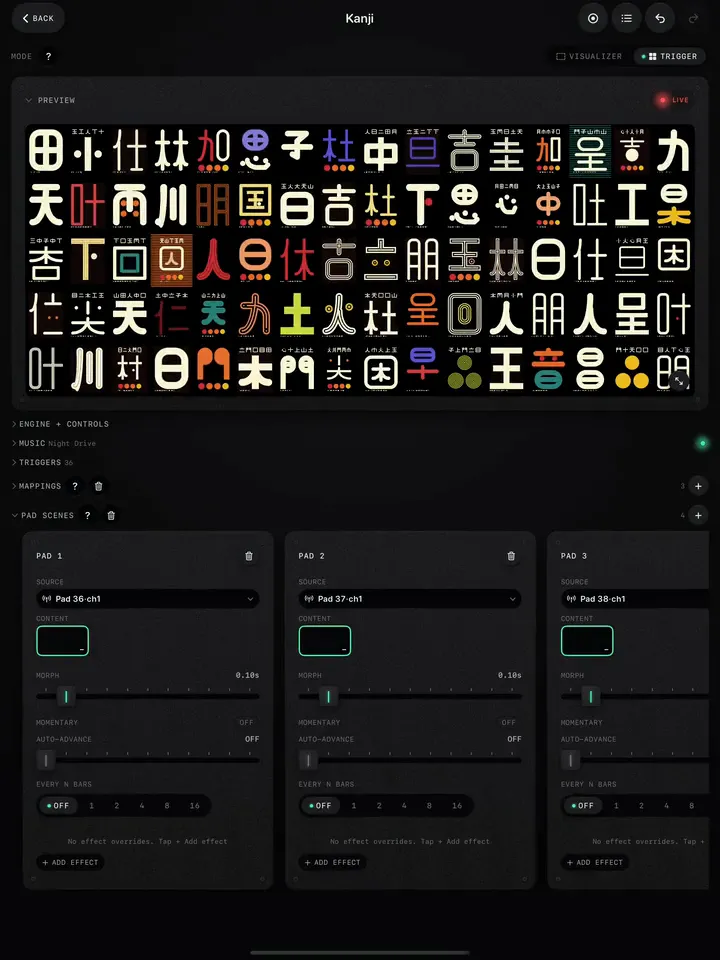
- Pad Scenes with auto-advance step through a bank every few bars once you fire them (how).
Your job is then the arc, not every bar.
Plan the transitions
- Change on the music's changes. Switch look at a breakdown or a new track's first drop, never mid-phrase.
- Hide the cut. Fire a burst (Invert Pop, Slice Burst) on the beat you switch on; the flash covers the change.
- Go through black. For a slow transition, turn Speed down and pull a dark look in over a few bars before switching.
Rehearse once
Play twenty minutes of your set at home with the visuals running full screen and REC on. Watch the recording. You will see where the screen was too busy, where it sat still too long, and which pads you never touched. Then trim. For a complete rig, see Visuals for a DJ set.