 1
1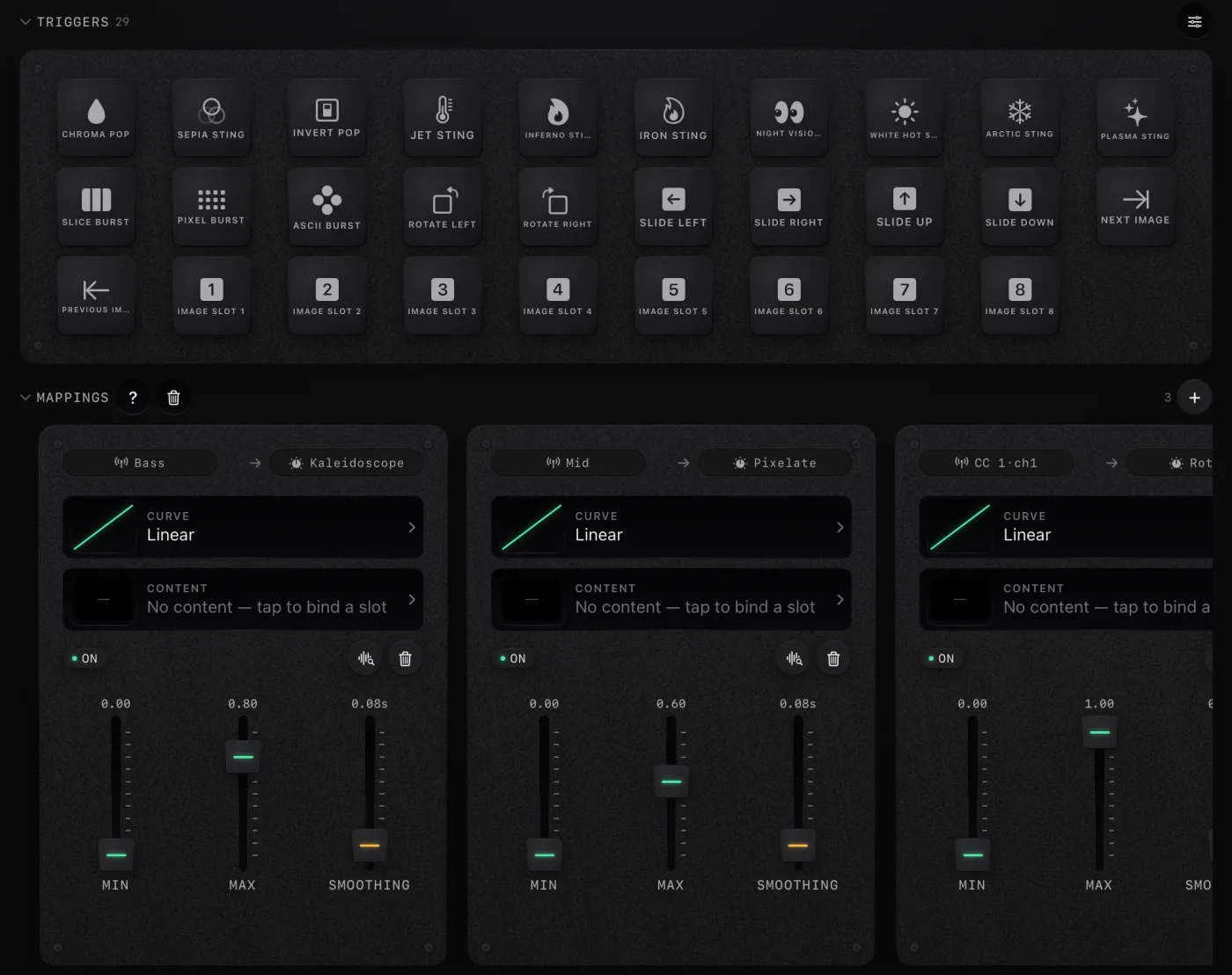
Two engines, one canvas.
Video and image engines wired into the same Metal render path. Swap the engine without breaking the take.
Sound goes in. Vision comes out. Bring audio from your mic, a file, or a MIDI controller, and let it move the visuals you perform, record, and project. On iPhone, iPad and Mac.
Keep scrolling to play
Sound in
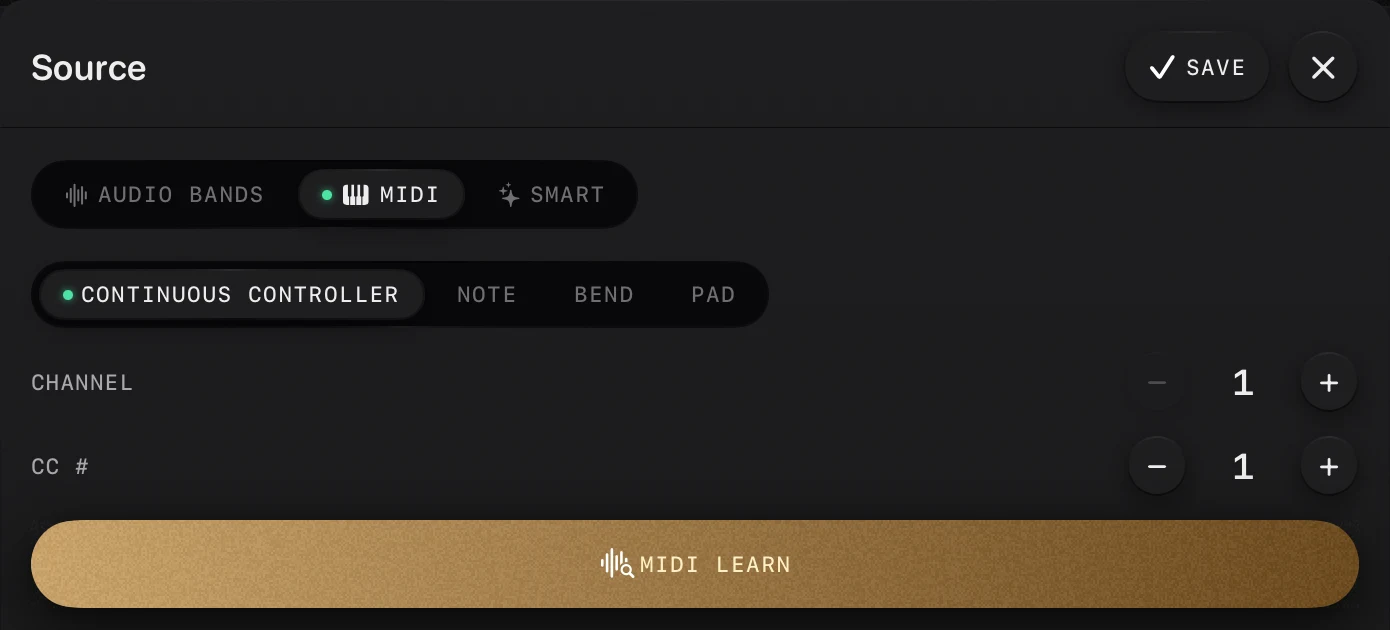
Your mic, an audio file or a MIDI controller. Every signal lands on the same bus: bass, mids and highs, notes, knobs and pads.
Map any signal to anything
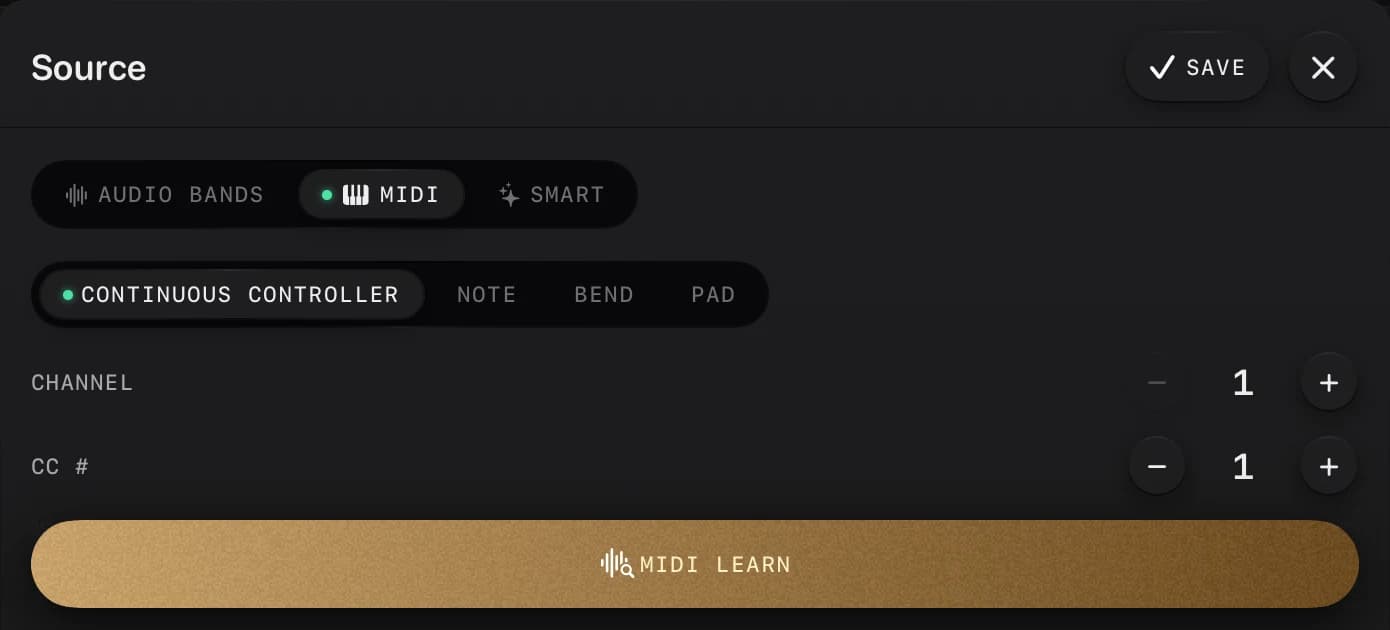
Bass to kaleidoscope, mids to pixelate, a knob to rotate. Set the curve, the range and the smoothing, or move a control and MIDI learn maps it.
Vision out
Video and image engines render in real time. Perform it live, record it, or send it to a projector over HDMI or AirPlay.
Visuals that move with
your mic, songs and MIDI
bass, mids and highs
every kick, not just the volume
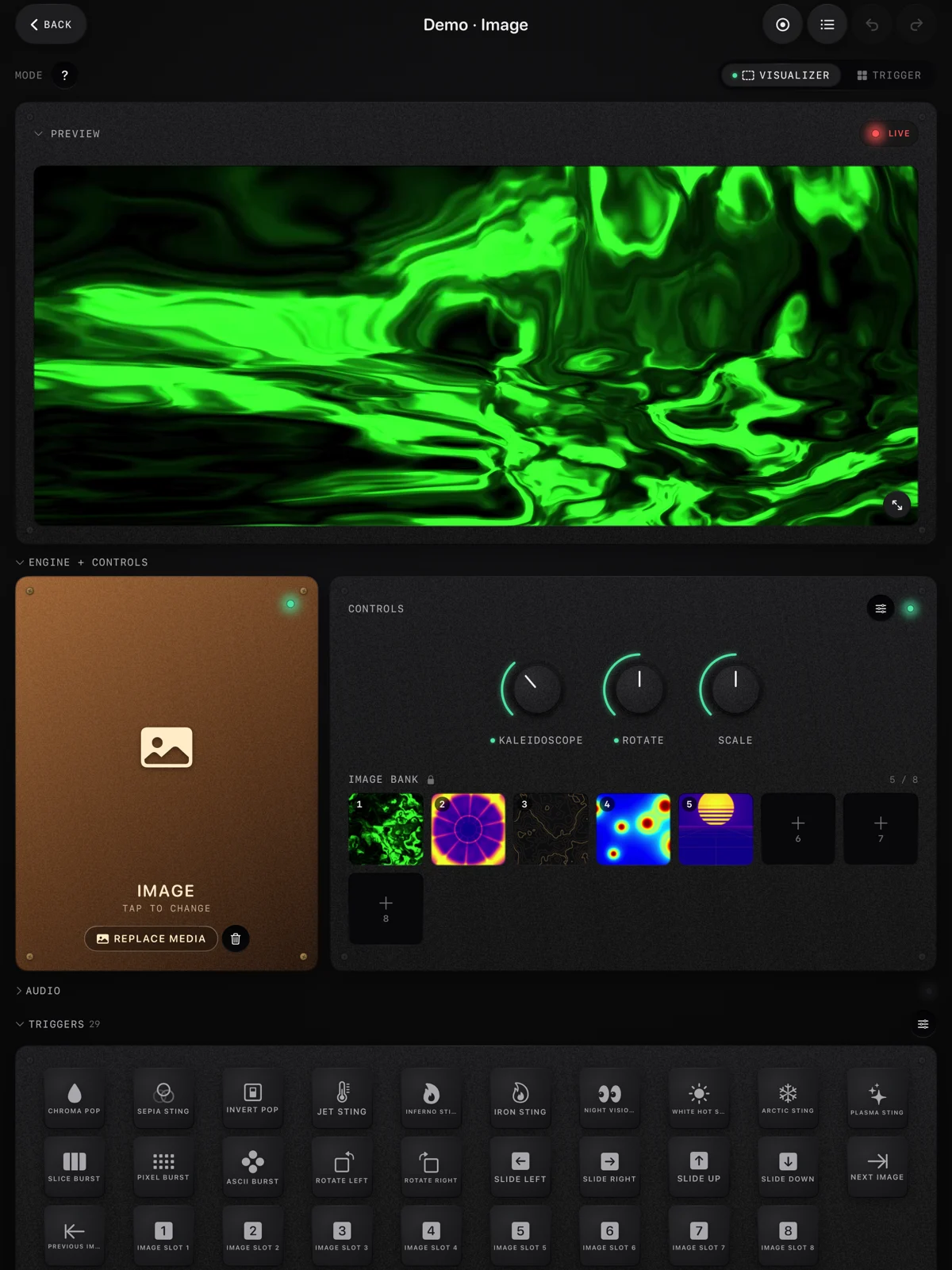
The live preview on top, the engine and its knobs, the pads, and the mappings that tie the music and your MIDI controller to every effect. Shown here with the demo projects that ship inside the app.
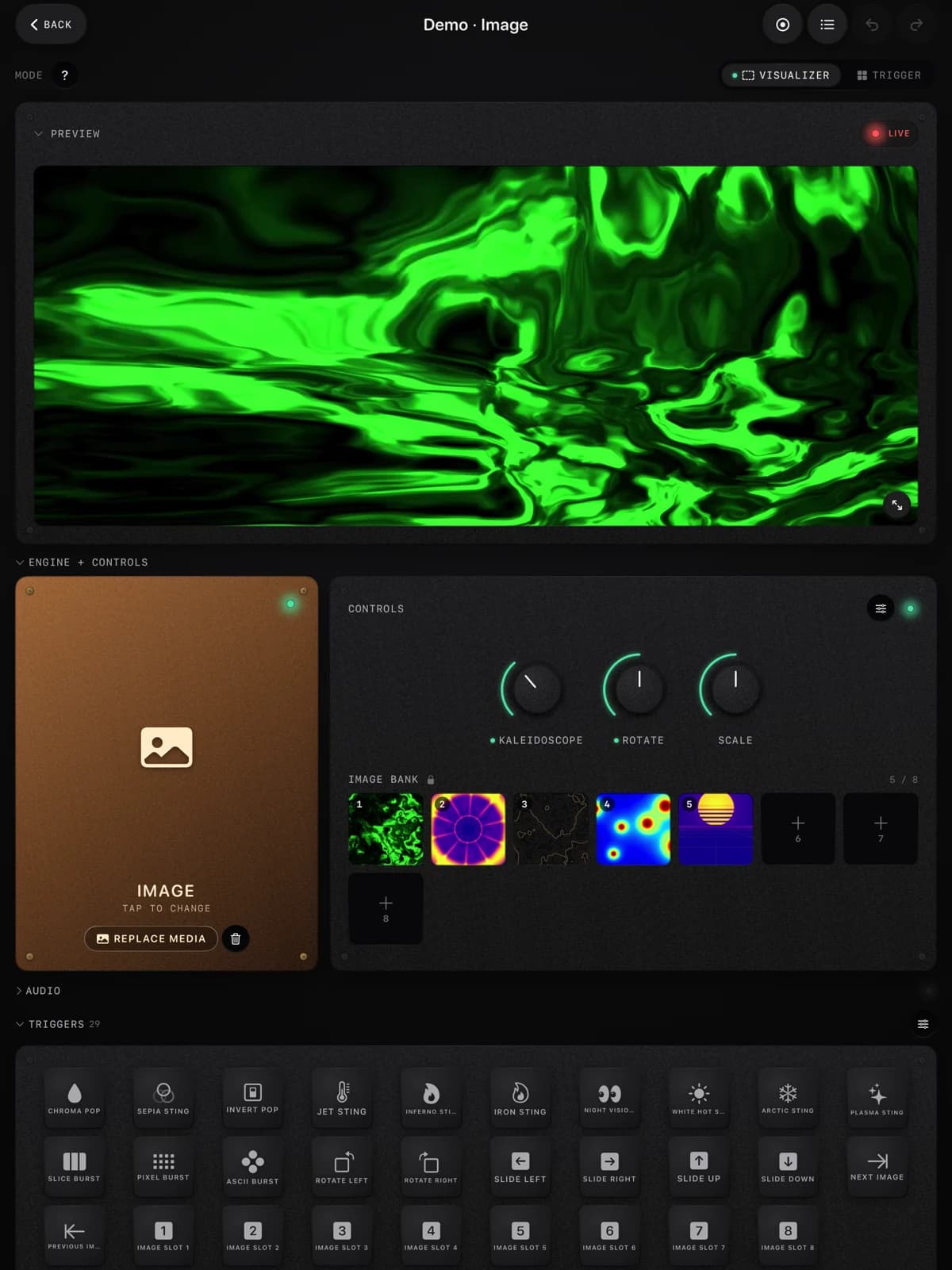
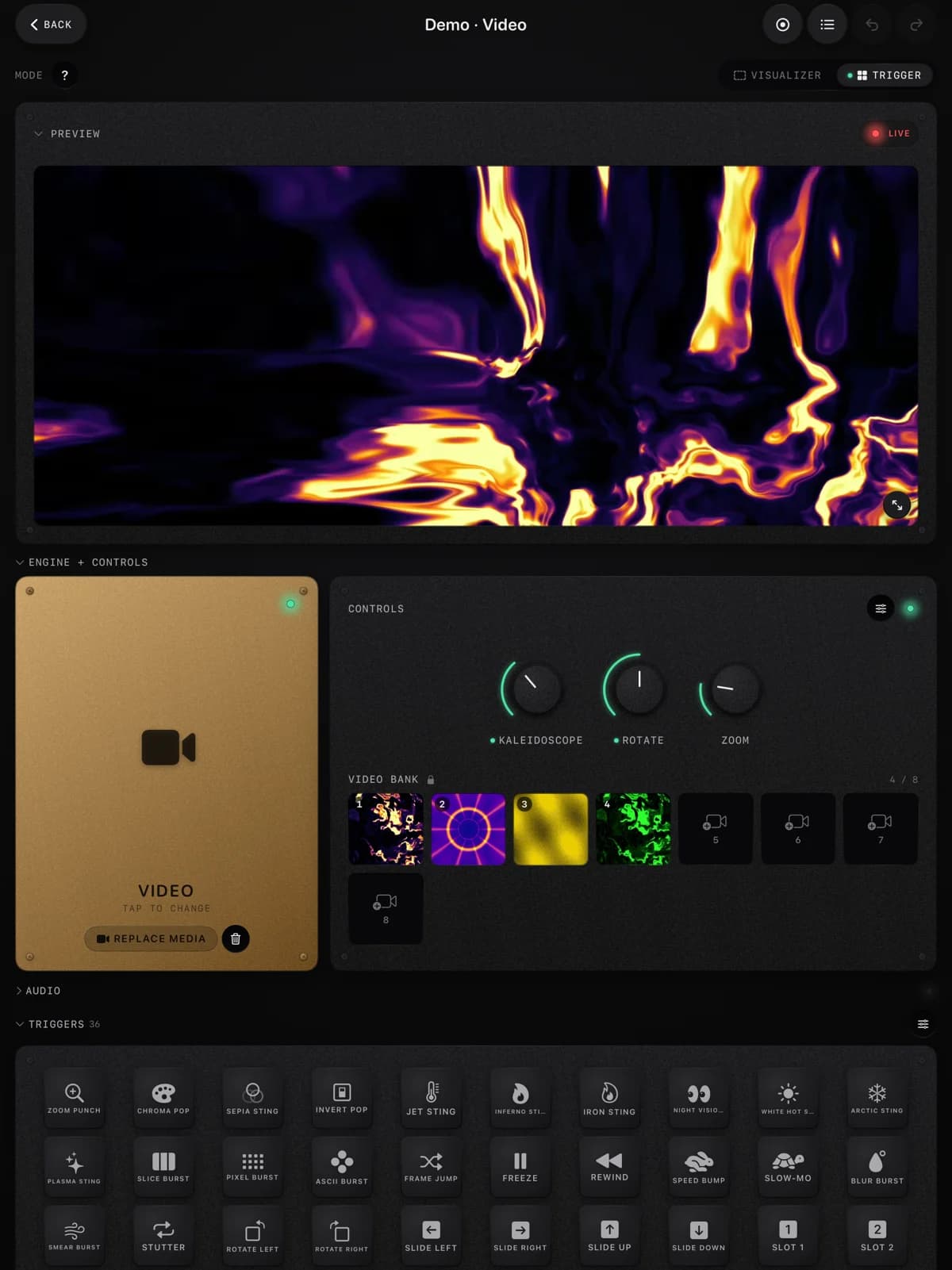
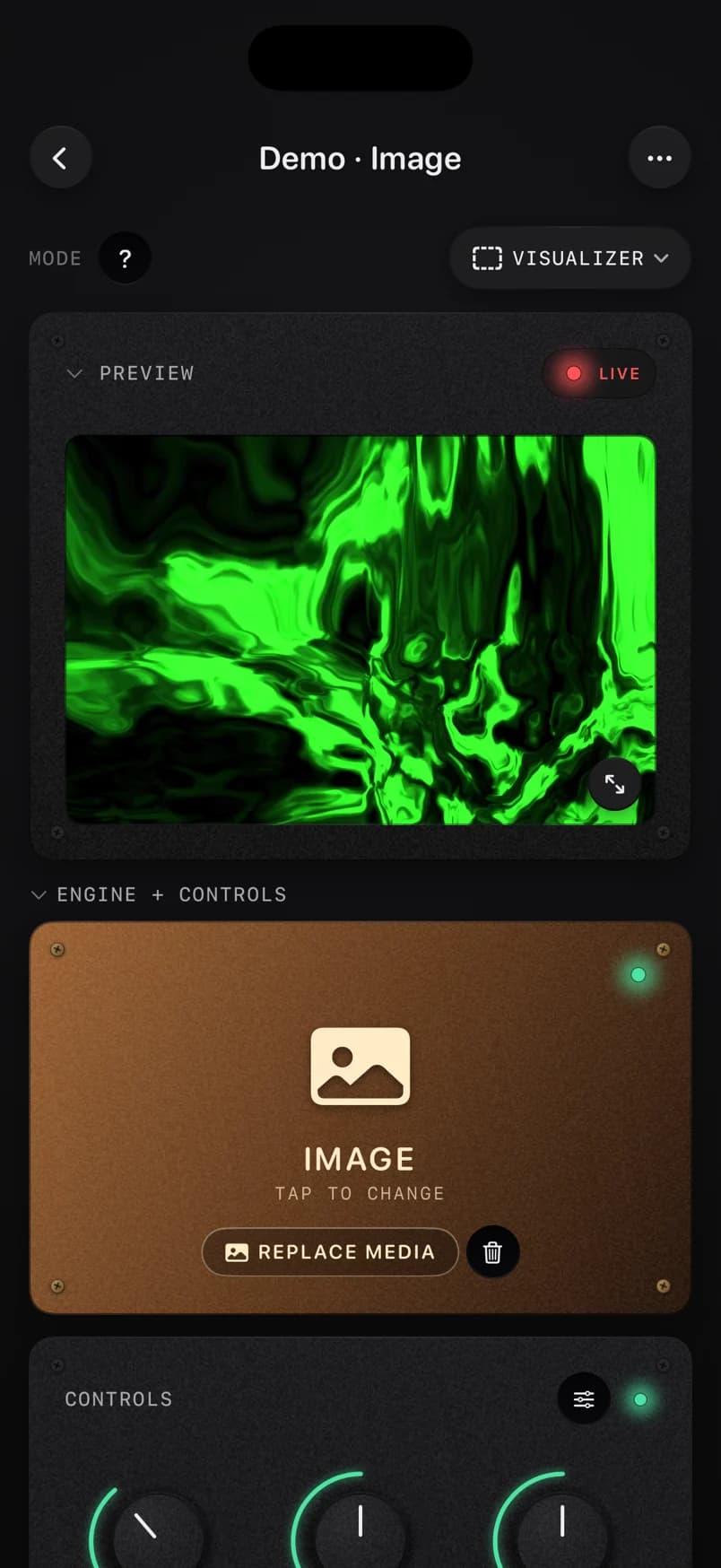
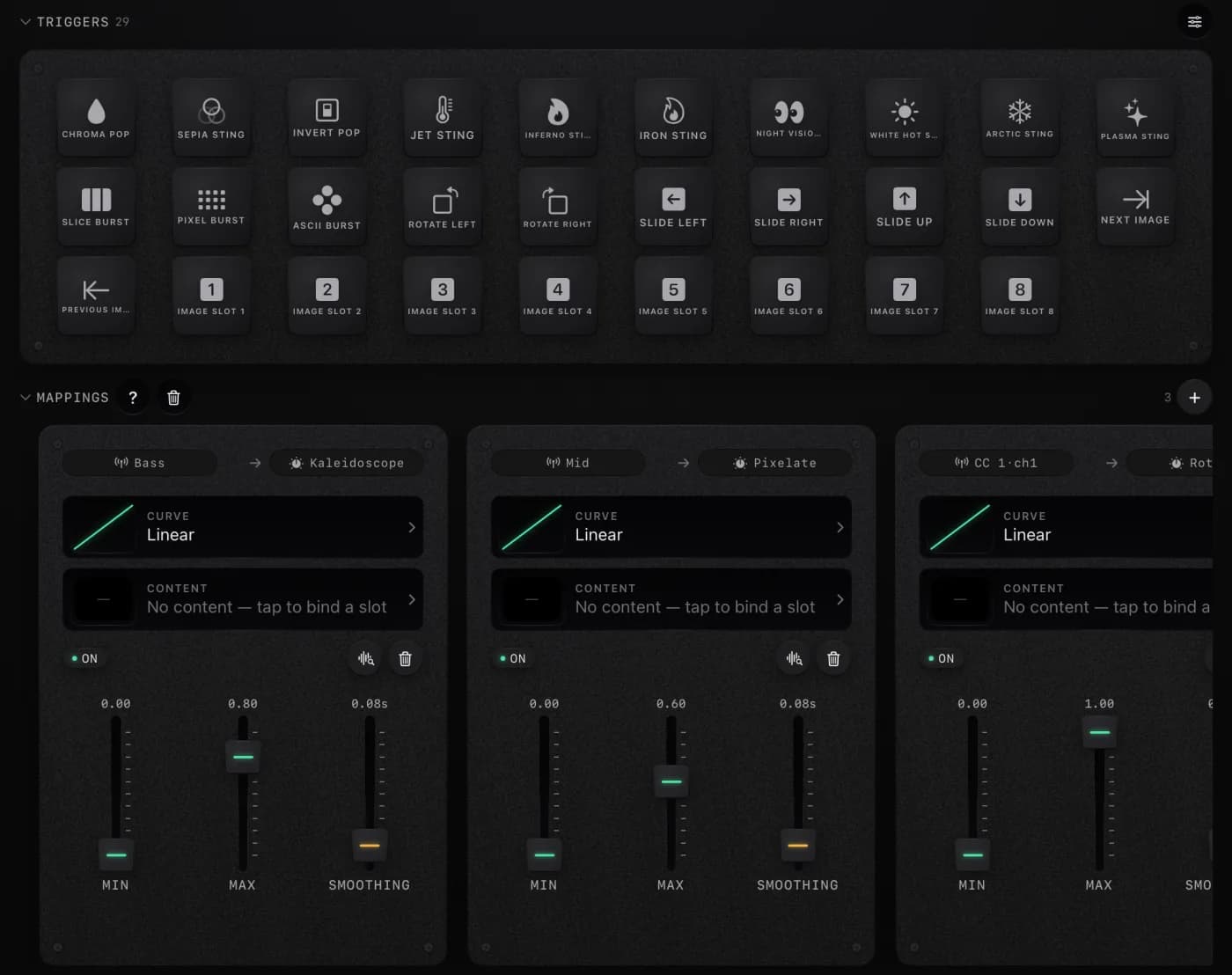
Video and image engines wired into the same Metal render path. Swap the engine without breaking the take.
Audio from your microphone or a file becomes a signal. So does every CC, note, and pad strike from your MIDI controller. One bus, any source.
Connect any input to any engine destination through a hand-built editor. Curves, ranges, smoothing. No menus, no MIDI hell.
Snapshot every parameter into a pad scene and recall instantly. Build sets, perform live, morph between looks with a single strike.
Every session records the event timeline and a real-time MP4 of the output. Re-render the same session later at any resolution.
Drive an external HDMI display or AirPlay for live performance. Or render a saved session offline to studio-quality MP4.
41 loops made with the app’s effects and our own scenes, 32 beats at 120 BPM, in 4K and 1080p. Free to use anywhere under CC0, no email and no account.
Heat-camera palettes on liquid metal, a tunnel, orbs, waveforms and a grid, pulsing on every beat.
Open the packCharacter grids, currency signs, RGB split, datamosh slices and pixel bursts, all landing on the beat.
Open the packOrdered dither, one-bit noise, halftone ink, contour lines and braille dots, pulsing on the beat.
Open the packCoral, mazes, spots and splitting cells, grown by a chemical simulation that pulses on the beat.
Open the packInk dropped into water, smoke stacks, molten gold and colliding jets, from a fluid simulation that moves on the beat.
Open the packWhat makes a visualizer worth watching, the upload settings YouTube recommends, how Content ID treats visualizer videos, a free clip in your browser, three routes for a whole song, and a checklist.
What projection mapping is, what you need and what it costs, how to pick a projector, mapping software from free to professional with prices checked on each site, and a first project step by step.
What a key change is, the four ways songs make one, the famous last-chorus lift, why number ones almost stopped using it, classical modulation, and how to hear, find and mix around one.