 ImmerGround for iPhone, iPad and Mac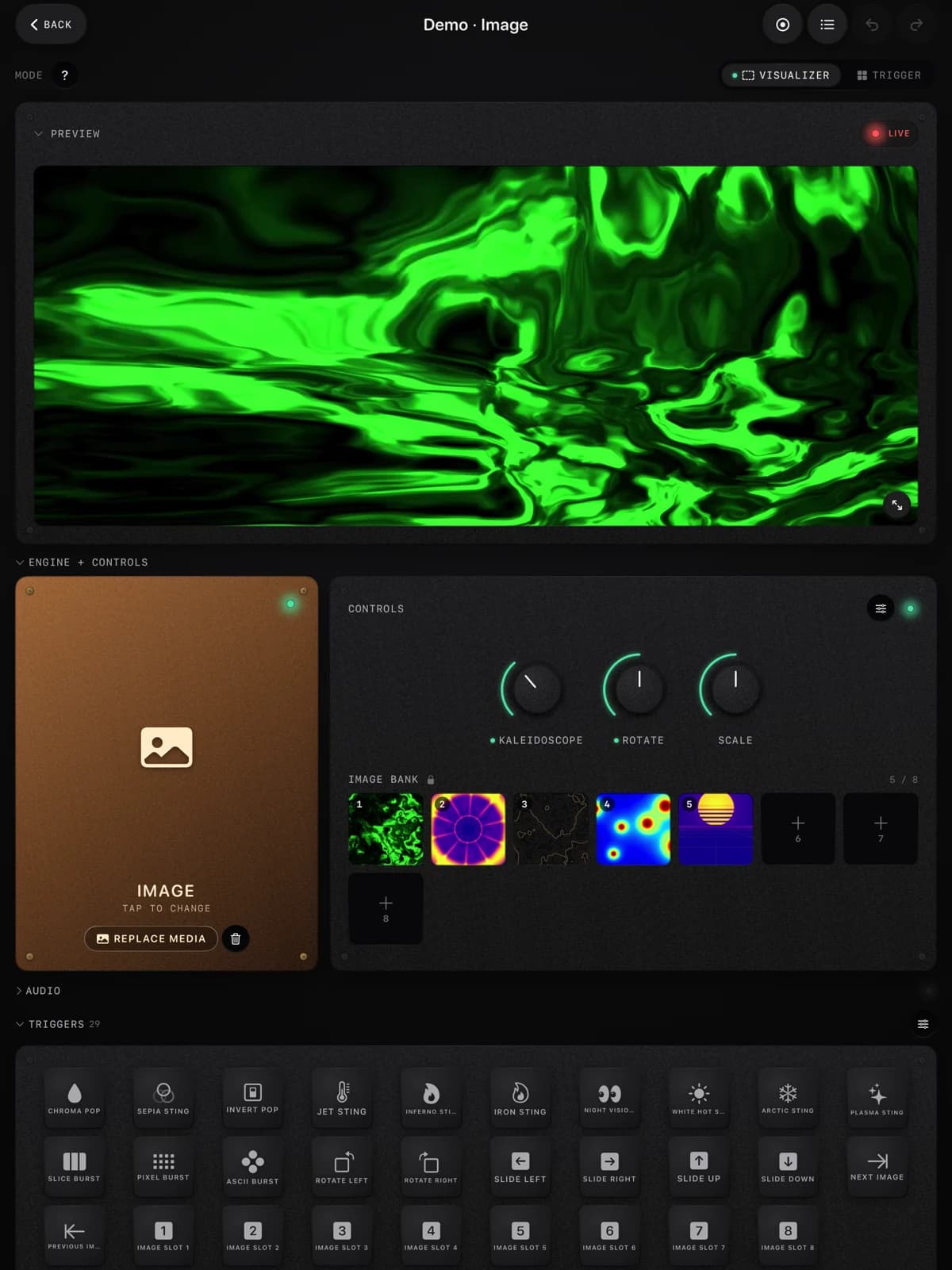
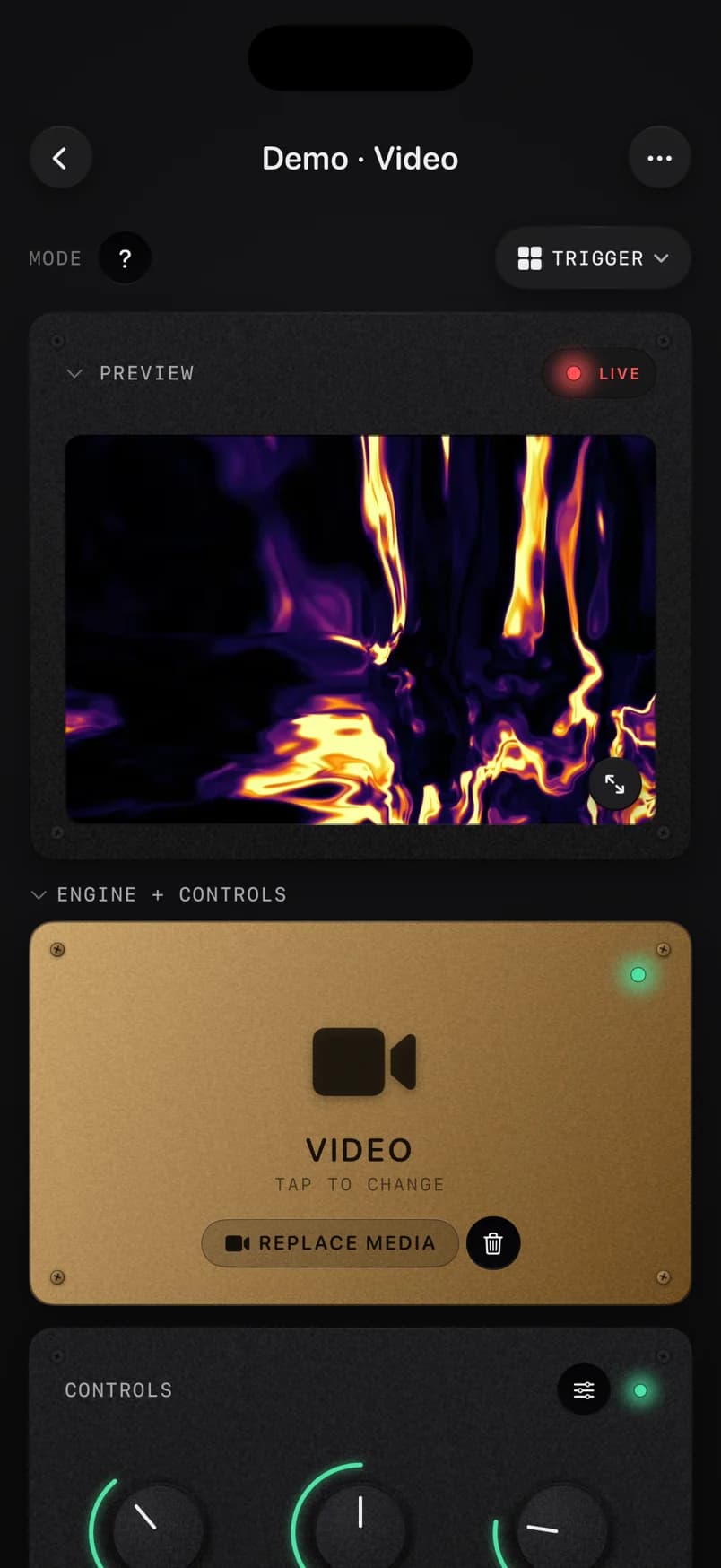
How it works, step by step
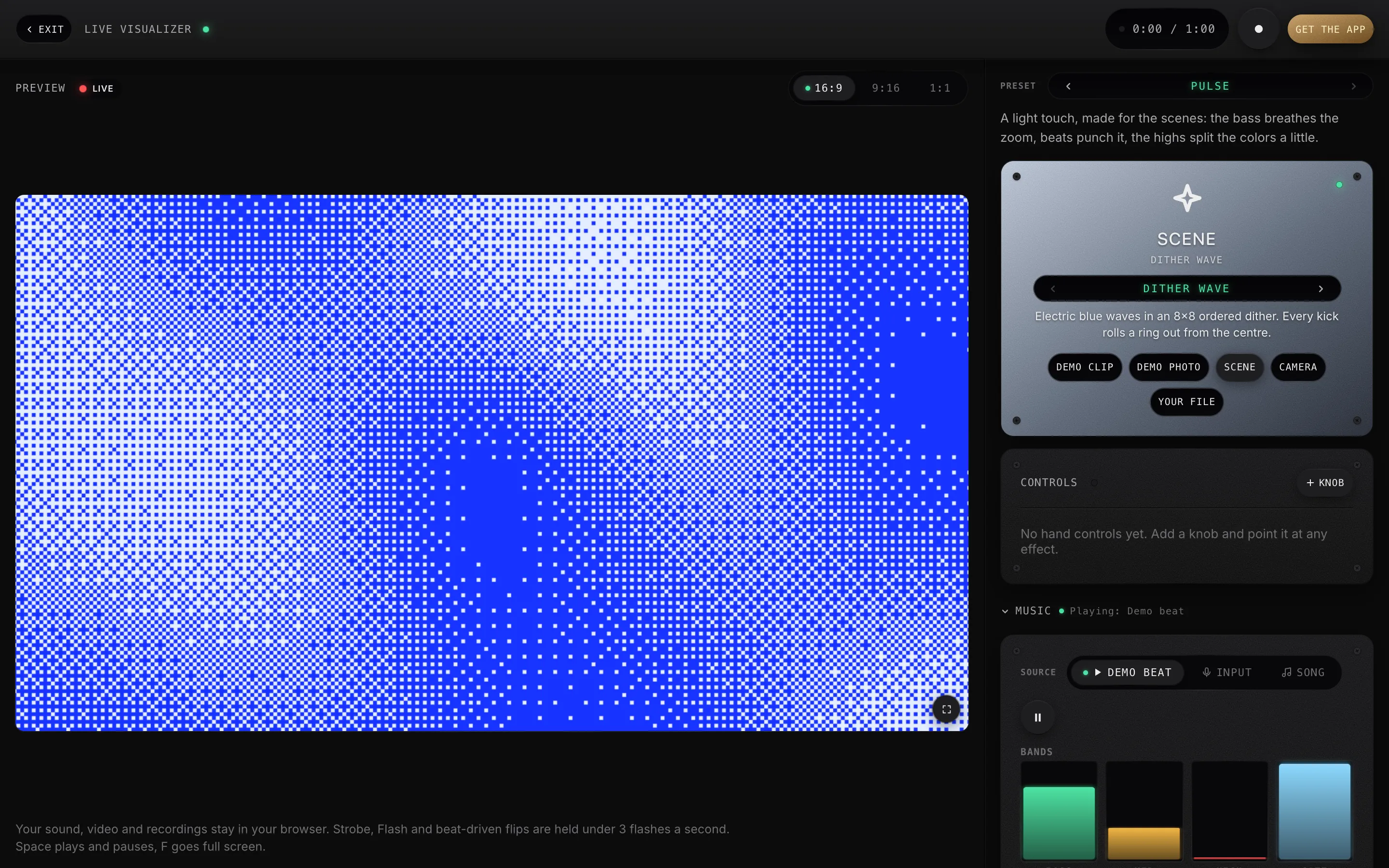
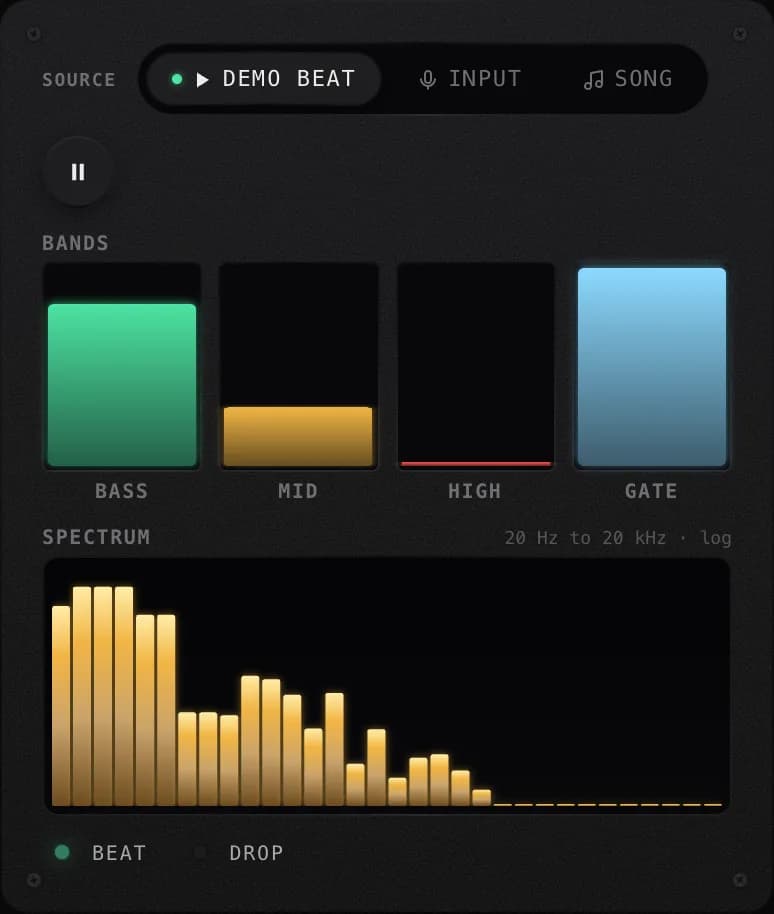
- Sound in. Play the demo beat, use your microphone, or load a song. Every frame, the page measures the bass, the mids and the highs, the overall level, a gate envelope that reacts to any loud moment, a slow energy curve, and the beats and drops.
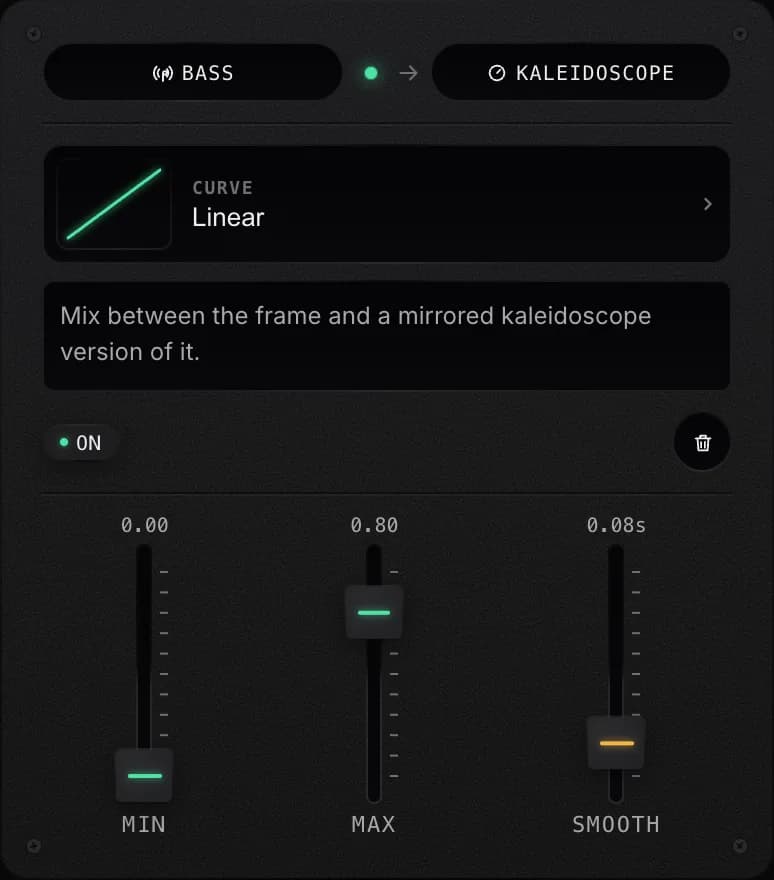
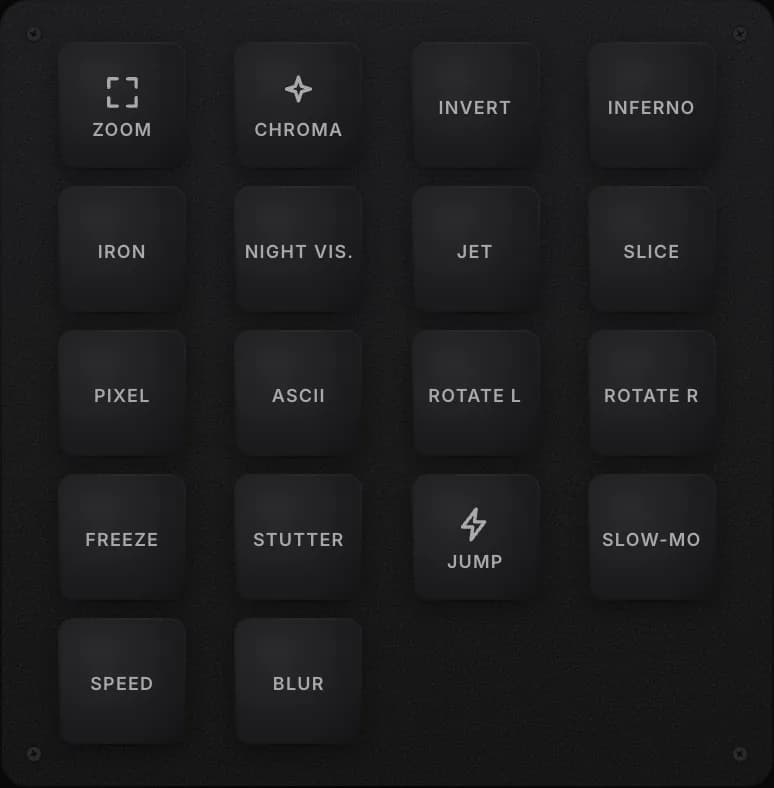
- Mapped. Each mapping connects one of those signals to one effect, with a range, a curve and smoothing. Beats and drops fire short stings instead: a zoom punch, a thermal sting, a stutter. Tap a trigger pad to fire one yourself, or turn a knob by hand. It is the same model the app uses, laid out with the app’s own controls.
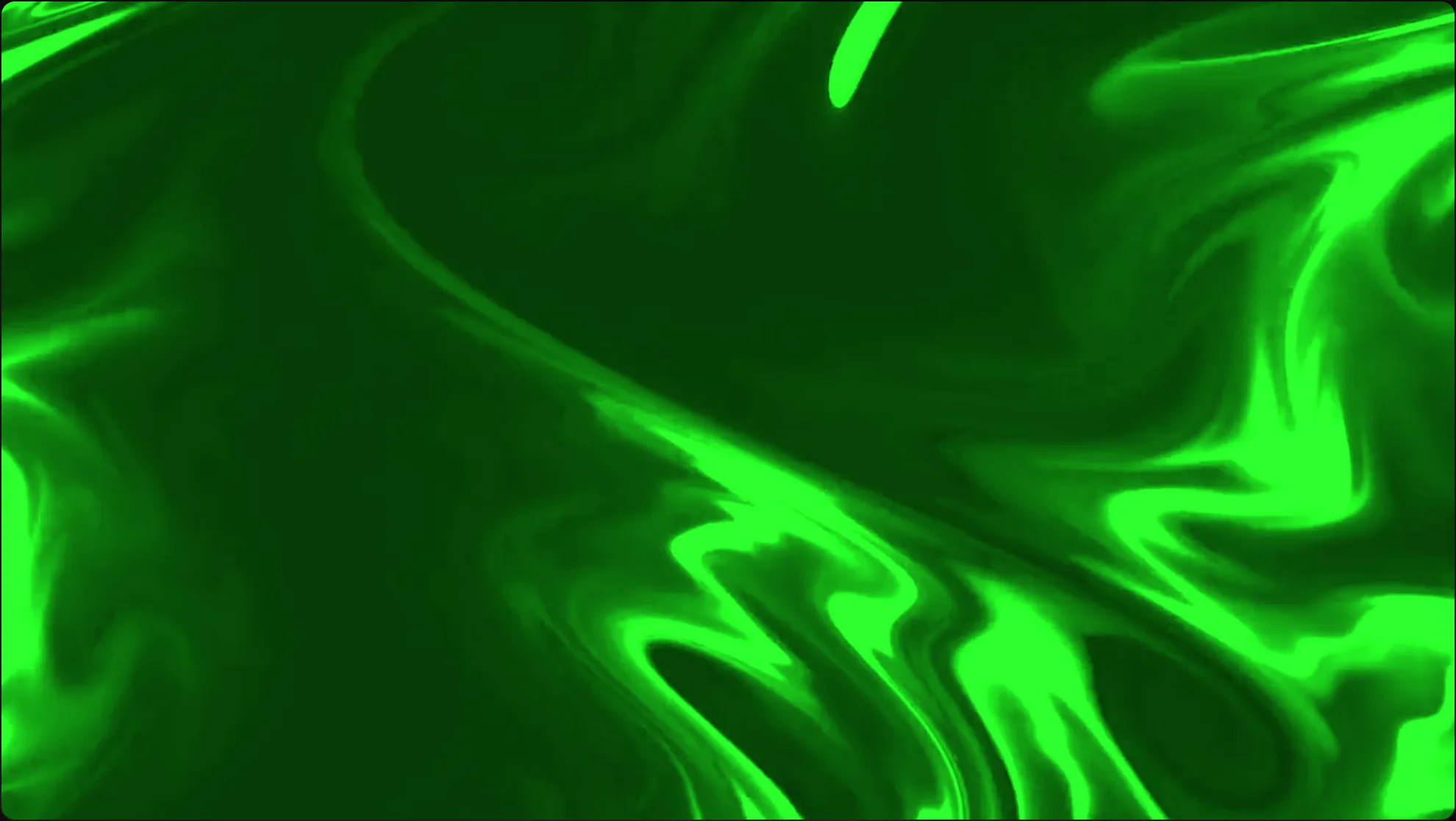
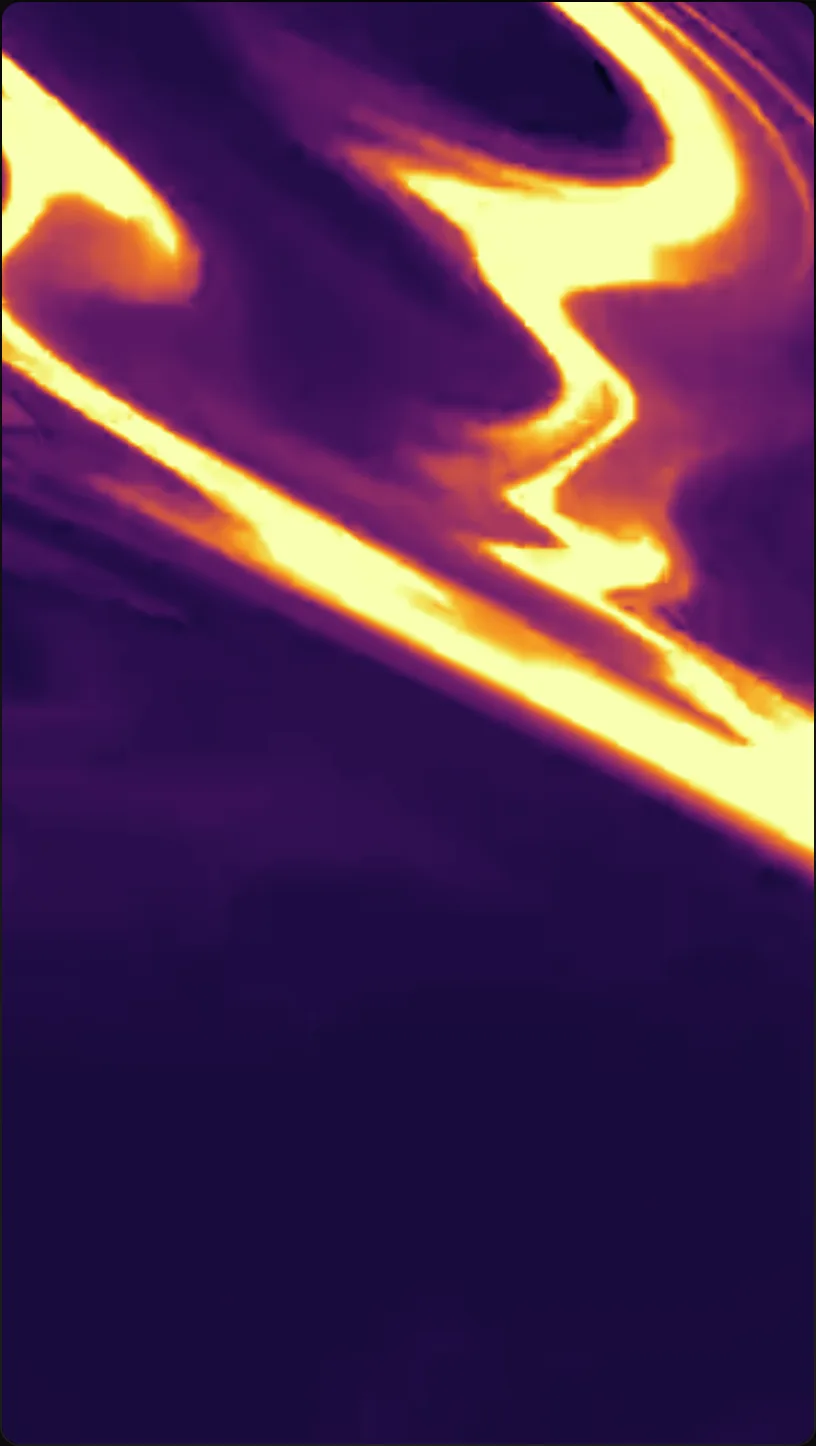
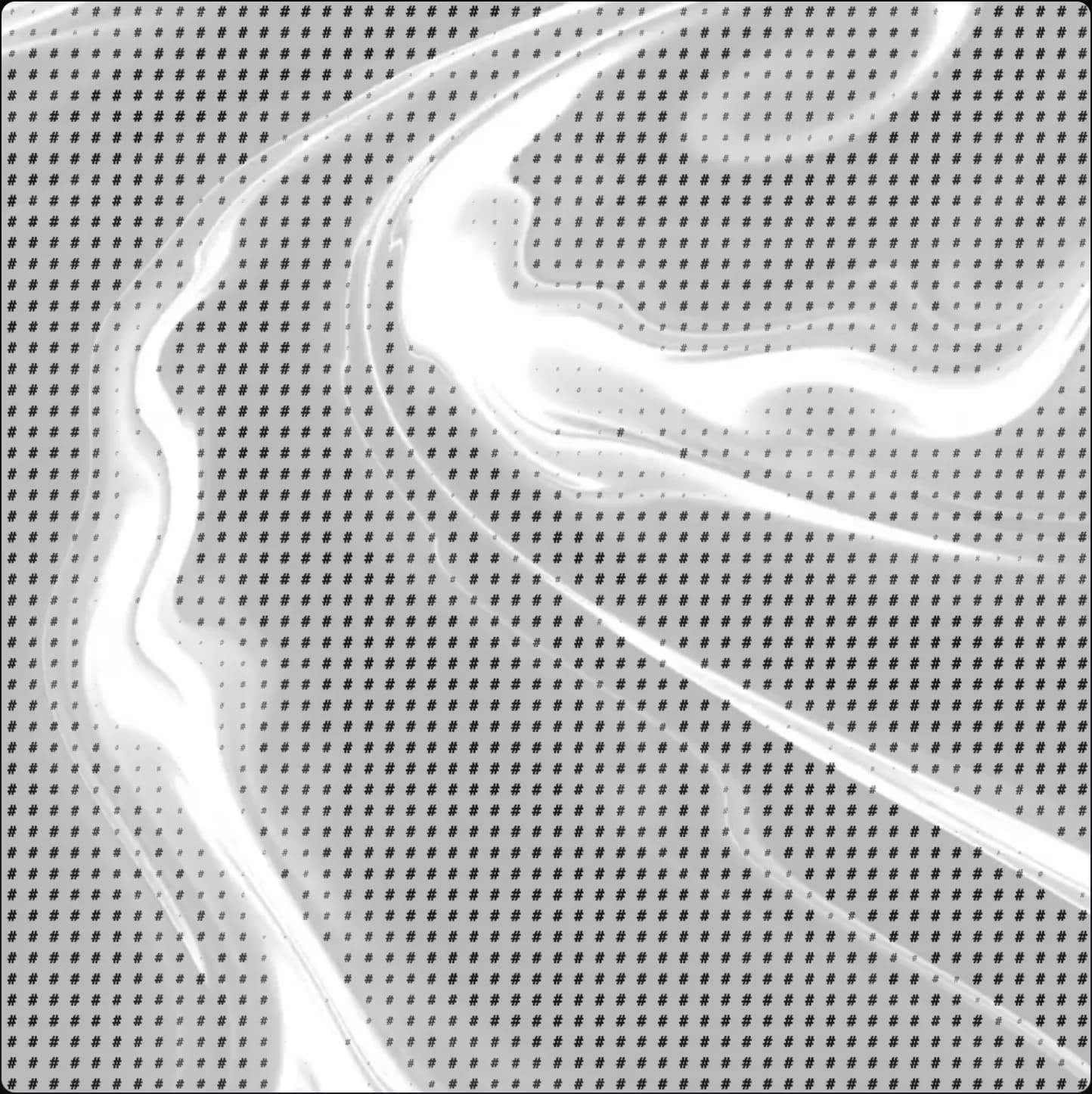
- Vision out. The effects run on your picture in real time, on your graphics card: the demo clip or photo, your camera, your own file, or one of 6 scenes drawn in code that move with the music (dither waves, a halftone screen, contour lines, braille dots). Pick 16:9, 9:16 or 1:1 and record up to 60 seconds.
Start with a preset, then change one row at a time. Three good mappings look better than ten loose ones: bass to zoom for the breathing, a beat to a sting for the hits, the highs to RGB split for the sparkle on top. The guide to making audio-reactive visuals without TouchDesigner covers how to tune them.
30 effects from the app
Every effect here is ported from the ImmerGround app’s own shaders, so a look you build in the browser is the look you get in the app. Continuous effects follow a level; the time effects fire on a beat or a drop.
- Motion: Zoom, Rotate, Scale, Kaleidoscope.
- Glitch and texture: RGB split, Glitch, Slice, Pixelate, Smear, Blur, ASCII.
- Color: Monochrome, Chroma, Sepia, Invert, Color shift.
- Thermal: Jet, Inferno, Iron, Night Vision, White Hot, Arctic, Plasma.
- Light: Strobe, Flash.
- Time: Freeze, Stutter, Frame Jump, Slow-Mo, Speed Bump.
Make a visualizer video
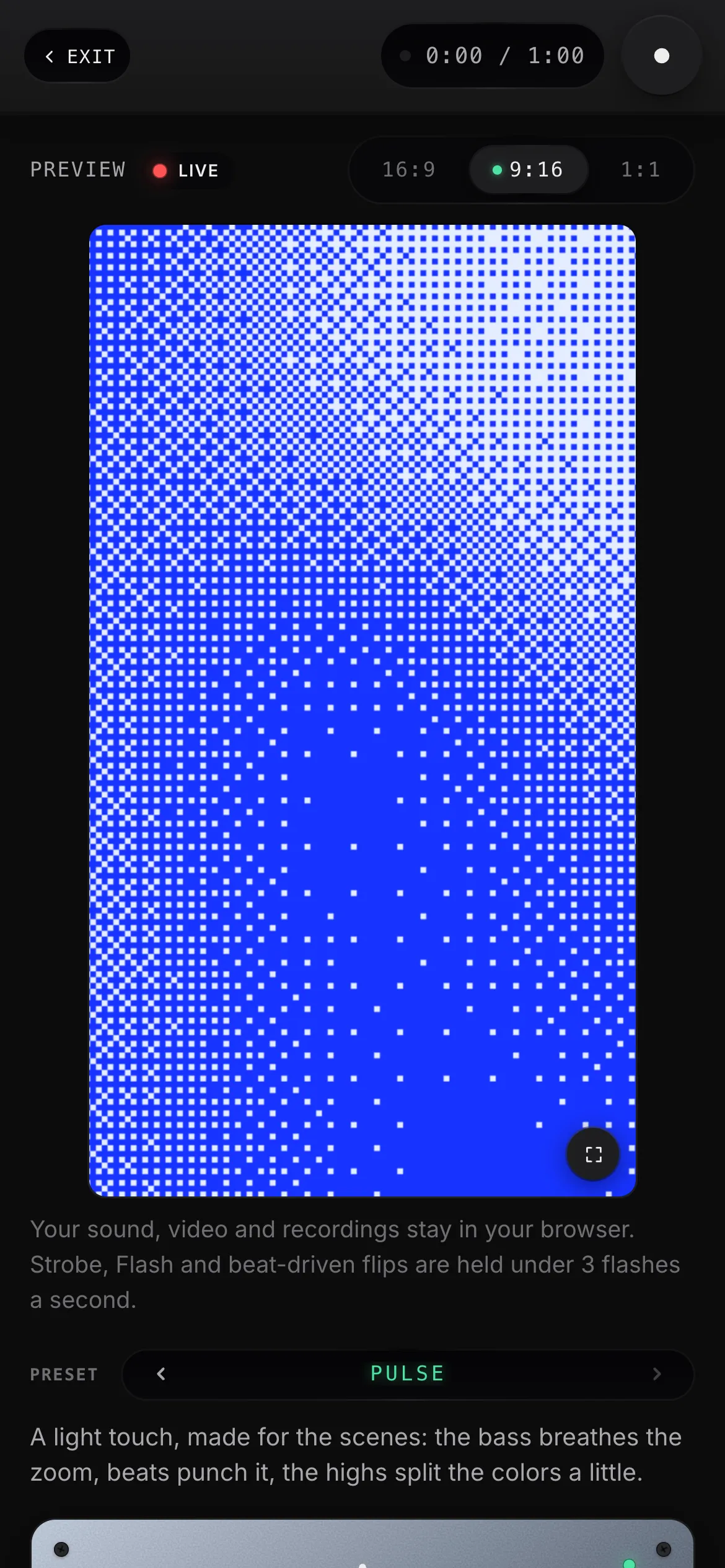
Choose the format first: 16:9 for YouTube, 9:16 for TikTok, Reels and Shorts, 1:1 for a feed post. Press Record, play the part you want, press Stop. You get the file straight away, up to 60 seconds and up to 1080p, as MP4 where the browser can make one and WebM where it cannot. It carries a small immer ground mark in the corner, and there is nothing to sign up for.
If the music is not yours, the platform you post to may mute or block the video. Record over your own track, or post the video and add the song from the platform’s own sound library.
Want finished clips for a set instead? The free VJ loops are made with these same effects: 4K and 1080p, beat-synced at 120 BPM, CC0.
What the app adds
The browser version is the core idea and nothing more. ImmerGround on iPhone, iPad and Mac is the instrument:
- MIDI controllers. Any class-compliant controller over USB-C or Bluetooth. Every knob, fader and pad becomes a signal next to the audio ones. See what yours sends with the free MIDI tester.
- Motion tracking that locks onto the subject in your clip and keeps the effects on it as the camera moves.
- Pad scenes and banks. Snapshot a whole look onto a pad and recall it in one hit; swap clips and photos mid set.
- Trigger mode. Play a bank of looks like an instrument, from a MIDI controller's pads or with a tap on screen.
- Whole sessions. Every session records the event timeline and the video, and renders again later at any resolution.
- A second screen. Send the output to a projector or a display over HDMI or AirPlay.
Get ImmerGround on the App Store
Free to download; ImmerGround Pro is $6.99 a week or $39.99 a year.
Nothing leaves your browser
The analysis, the effects and the recording all run on your device. Your microphone, camera, songs, clips and recordings are never uploaded, and the page keeps nothing after you close it. The demo beat is synthesised live in the page; the demo clip and photo are the ones that ship inside the app.
Questions
Is this audio visualizer really free?
Yes. No account, no trial. It is a free tool from the team that makes ImmerGround, with the immer ground watermark on browser previews and exports, while the app renders unwatermarked full sessions.
Does my audio or video get uploaded?
No. The sound analysis, the effects and the recording all run in your browser. Nothing you play, film or load leaves your device.
Can I use it with Spotify, Apple Music or YouTube?
Yes, through the microphone: play the music out loud and press Use my mic. Or load a song file you have. A web page cannot read the audio of other tabs or apps directly.
Do I need a video or a photo?
No. Pick Scene for a picture drawn in code that moves with the music: dither waves, a dither field, halftone blobs, a contour map or braille terrain. The scenes are made for this page; the ImmerGround app works on your own clips and photos.
Is there a full-screen mode?
Yes. The visualizer opens as a full-window app without the site's menus, and the button on the picture, or F on your keyboard, takes the picture itself full screen. Exit brings you back to this page.
How long can a recording be?
Up to 60 seconds, at up to 1080p, as MP4 where your browser can make one and WebM where it cannot. The ImmerGround app records whole sessions and renders them again later at any resolution.
Can I make a vertical video for TikTok or Reels?
Yes. Pick 9:16 before you press Record. There is 1:1 for feed posts and 16:9 for YouTube.
Which browsers does it work in?
Current Chrome, Edge, Firefox and Safari on a computer, and Safari or Chrome on a phone. It needs WebGL2, which all of them have; recording needs MediaRecorder, which all of them have too.
Can I control it with a MIDI controller?
Not in the browser version. The ImmerGround app maps every knob, fader and pad of a class-compliant MIDI controller over USB-C or Bluetooth. The free MIDI tester shows what your controller sends.