Shaders are one way in. The other is your own picture: a clip from your camera roll, a VJ loop, a scene from a film you have the rights to, a band photo or a logo. Load it into a Video or Image project and every effect in the app works on it, driven by the music, a controller or your fingers.
Load a clip or a photo
- Make a project (New, a name, Create). It opens on the Video engine. For a photo, tap the engine tile and choose Image.
- Tap Pick media on the engine tile, or the empty preview that says Tap to add media.
- Choose a video or photo from your library or Files.
To swap it later, use Replace media on the engine tile. The Store's free VJ loops go straight into a Video project too: open a loop and tap Add to project.
Add an effect knob
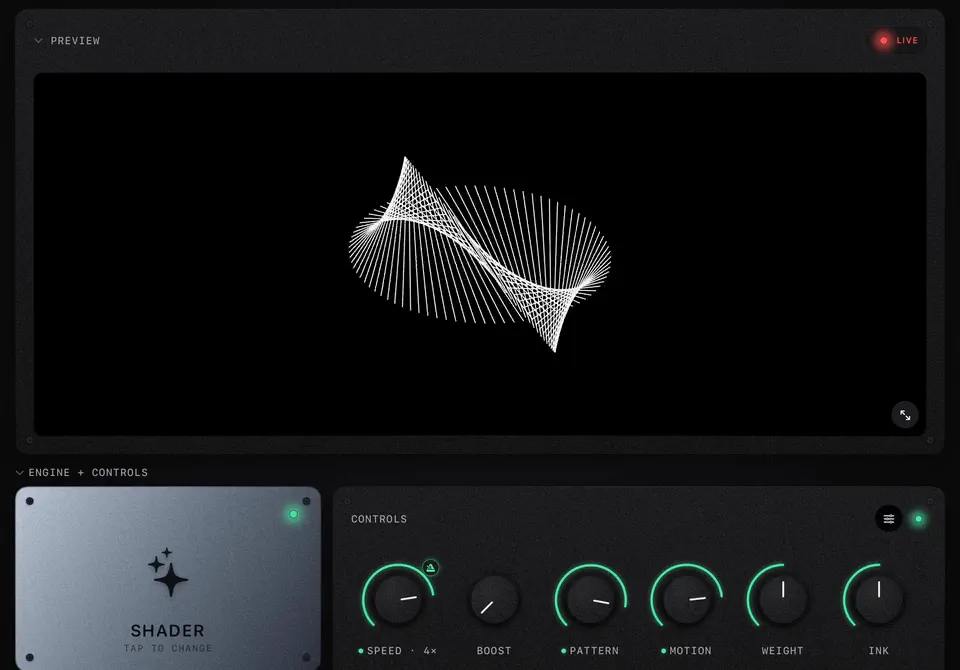
- Tap the slider button in the corner of the Controls panel. The knobs turn into a list.
- Tap Add knob.
- Pick an effect. Use the chips to jump to a group, or type in the search field.
- Tap the tick to leave the editor. The new knob sits next to the others.
What is in the picker
| Group | Examples | |
|---|---|---|
| Playback | Speed, Reverse, Zoom, Rotate, Scale | Free |
| Color | Hue shift, sepia, monochrome, invert | Free |
| Glitch | Slice glitch, RGB split, chroma | Free |
| Strobe and flash | Strobe, flash | Free |
| Blur, sampling | Blur, smear, pixelate | Free |
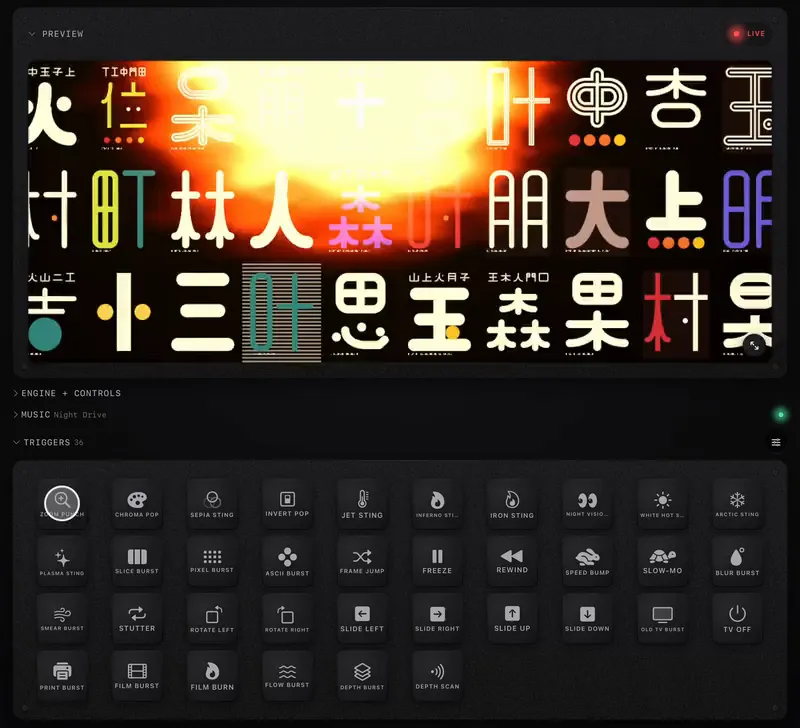
| Thermal palettes | Inferno, Iron, Jet, Night Vision, White Hot, Arctic, Plasma | Free |
| Kaleidoscope, ASCII, Motion Track | Mirrored mandalas, glyph art, boxes that lock onto moving subjects | Pro packs |
| Old TV, Print, Film, Flow, Depth | CRT and tape, riso and halftone, film stocks and burns, melting and trails, a depth camera look | Pro packs |
Each pack shows a banner with what is inside. Most packs have a main amount knob and a style knob that steps through their looks (for example Old TV Style picks CRT, Tape, Broadcast, Terminal, Glyphs, Teletext or Webcam), so one mapping on the style knob can walk through all of them.
Make the music drive it
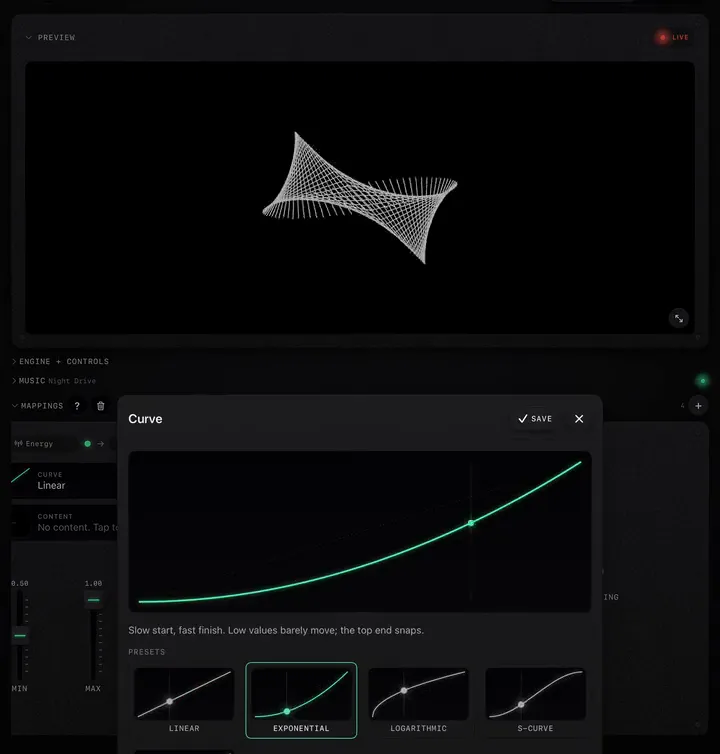
A knob you add is still. To make it react, add a mapping: in Mappings, tap +, then set the destination to the new effect and the source to the music. A short recipe: Bass on Glitch with an Exponential curve, so only the kicks break the picture; Energy on a style knob with 2 s of smoothing, so the look changes with the song's sections. See Map the music to any knob.
Fill a bank of clips or photos
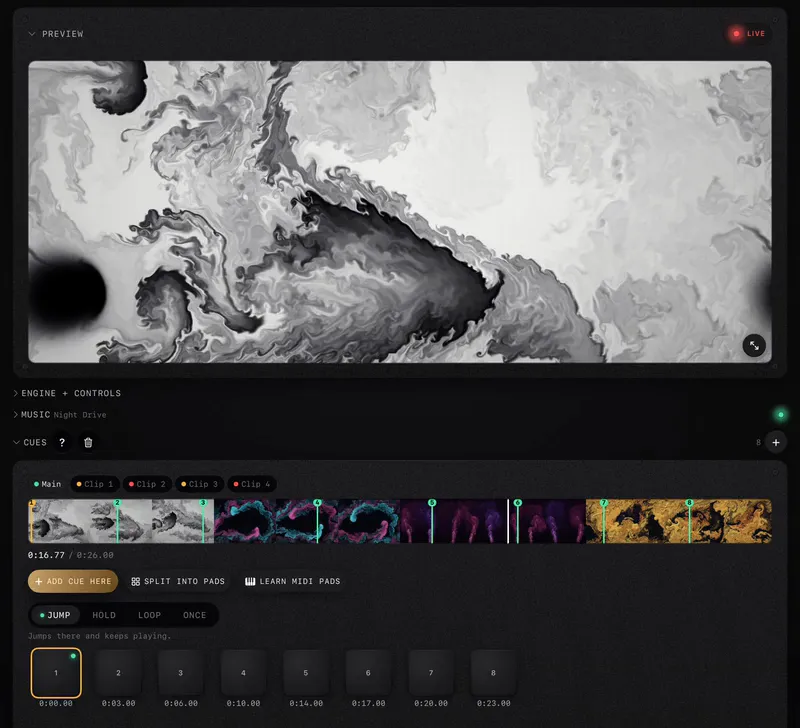
In Trigger mode a project holds a bank: up to 4 clips in a Video project, up to 8 photos in an Image project, each in a numbered slot. Pads swap between them (with Pad Scenes or a mapping's Content slot), and every effect carries over to whatever is on screen. A Visualizer project plays one clip; a Trigger project plays the bank.
Footage that works
- Contrast beats detail. Effects like thermal, ASCII and print need light and dark areas to work with. Flat grey footage turns to mush.
- Loops loop. A clip that does not end where it starts jumps every time it wraps. VJ loops are made for this; for your own footage, cut on a still moment.
- Use footage you are allowed to show. Your own clips, Creative Commons, or the free loops in the Store and on our loops page.