Resolume is the standard VJ software for good reasons: fast clip playback, layers, effects on the beat, and in Arena a full projection mapping toolkit. People look for an alternative when the price stings, when they want a Mac-only tool or a free one, when they want to play from an iPad or an iPhone, which Resolume does not support, or when the job turns out to be something other than mixing clips. This guide sorts the alternatives by the job, with prices checked on each vendor's own page in September 2026.
What Resolume gives you, and what the demo already does
Resolume comes in two editions. Avenue, at €299 per computer, is the VJ tool: clips on layers, blend modes, effects, BPM sync and MIDI mapping, with its own DXV codec for smooth playback of many clips at once. Arena, at €799, adds what a stage needs: projection mapping, edge blending for several projectors, DMX for lighting desks and timecode. Both run on Windows 10 and on macOS Catalina or later, natively on Apple Silicon, and one serial covers either system. Updates are free for twelve months after purchase.
The demo is more generous than most. It is fully functional with no time limit; the catch is a watermark on the video and a robotic voice on the audio. That makes it the right way to learn Resolume before buying, and the wrong way to play a paid gig.
So before you switch, be clear about which of four reasons you have. The price is the most common. After that comes the platform (Mac only, or iPad), a wish for something free, or a job that is not clip mixing at all. The rest of this guide takes them in that spirit.
If the price is the only problem, it helps to see the neighbours. VDMX is $199, Modul8 is €299 plus tax and Synesthesia is $199, so the paid desktop alternatives are cheaper than Avenue but not by an order of magnitude; our guide to Synesthesia alternatives covers that corner of the market. The big savings are the free routes further down, and each of those comes with a catch.
Is there Resolume for iPad or iPhone?
No. Resolume's download page lists macOS and Windows and nothing else (version 7.28.0 shipped on 22 September 2026), and a search of the App Store turns up nothing from Resolume. "Resolume iOS" is a common search with no product behind it.
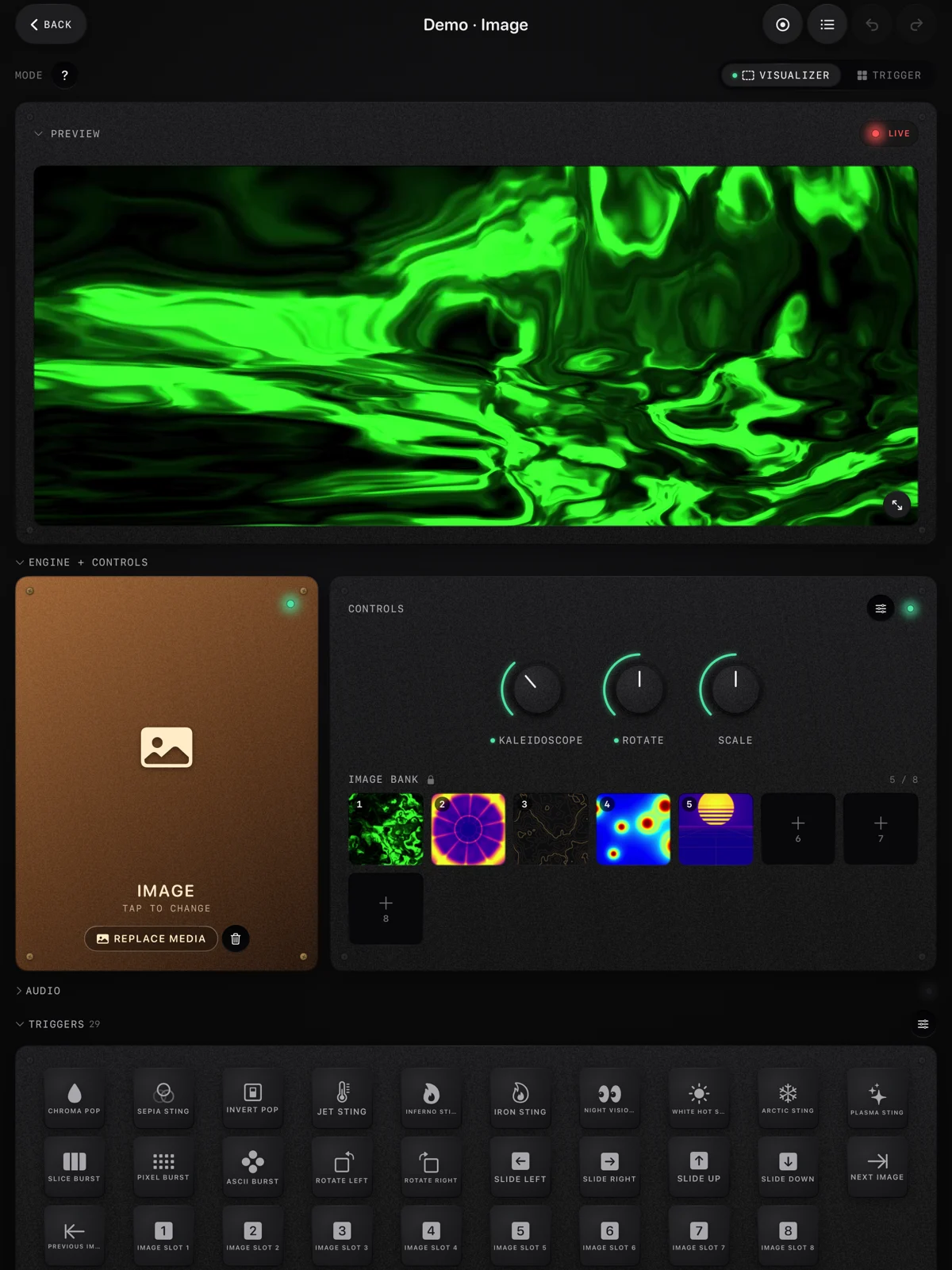
If you want to VJ from a tablet or a phone, the App Store has a dozen apps built for it, and they split by job much as desktop tools do. 100VJ and GoVJ are clip mixers with HDMI, AirPlay and NDI output. VS 2 from Imaginando is a visual synth. ImmerGround, which we make, puts your own clip or photo under effects that follow the music and your MIDI controller. Our roundup of the best VJ apps for iPad checks ten of them against their App Store listings, feature by feature.
An iPad is not built to run eight layers of 4K clips the way a laptop with a good graphics card does. What it gives you is a rig that fits in a bag, starts in seconds and plugs into the projector with one adapter.
The alternatives at a glance
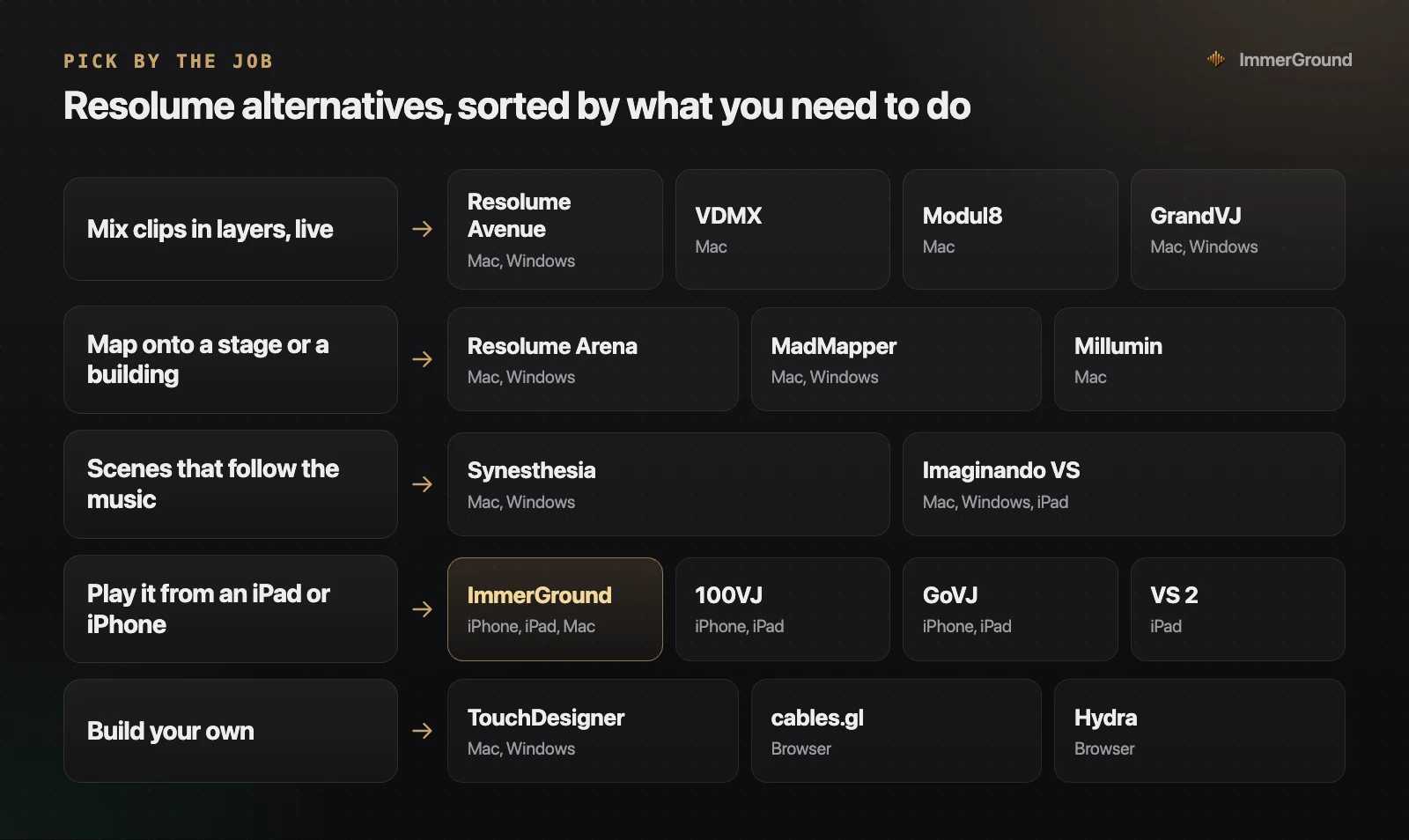
| Tool | The job | Runs on | Price |
|---|---|---|---|
| VDMX | Mix clips in layers | Mac | $199, Plus $349 |
| Modul8 | Mix clips in layers | Mac | €299 plus tax, two computers |
| GrandVJ | Mix clips in layers | Mac and Windows | £260, XT £350 |
| MadMapper | Map a stage or a building | Mac and Windows | Rental or perpetual licence |
| Millumin | Map and run a show | Mac | From €29 for a week, or €399 to own |
| Synesthesia | Scenes that follow the music | Mac and Windows | $199, Pro $399 |
| Imaginando VS | A visual synth, also in a DAW | Mac, Windows and iPad | €129; VS 2 on iPad $49.99 |
| TouchDesigner | Build your own | Mac and Windows | Free non-commercial; from $600 for paid work |
| ImmerGround | Your footage reacting to the music, from a phone, tablet or Mac | iPhone, iPad and Mac | Free to download; Pro is $6.99 a week or $39.99 a year |
If you want to mix clips in layers
This is Avenue's job, and three tools do it with a different flavour.
VDMX
VDMX, from VIDVOX, is a Mac-only VJ tool built from modules: you assemble the layout yourself, so the screen matches how you play. VDMX6 is $199 and VDMX6 Plus is $349. It needs macOS Ventura or later, and the demo does everything except save, which is enough to know whether its way of working suits you.
Modul8
Modul8, from GarageCube, is a layer-based live video mixer for the Mac. One licence is €299 plus tax and covers two computers, which is handy for a main machine and a backup. The demo puts a watermark on the output.
GrandVJ
GrandVJ, from ArKaos, runs on both Mac and Windows. GrandVJ 2 is £260 and the XT edition is £350. ArKaos is now part of ChamSys, the lighting console maker, which bought it in October 2025.
If you need to map onto a stage or a building
This is Arena's job. Projection mapping means warping the output to fit a shape: a set piece, a stage, the face of a building, several projectors blended into one image.
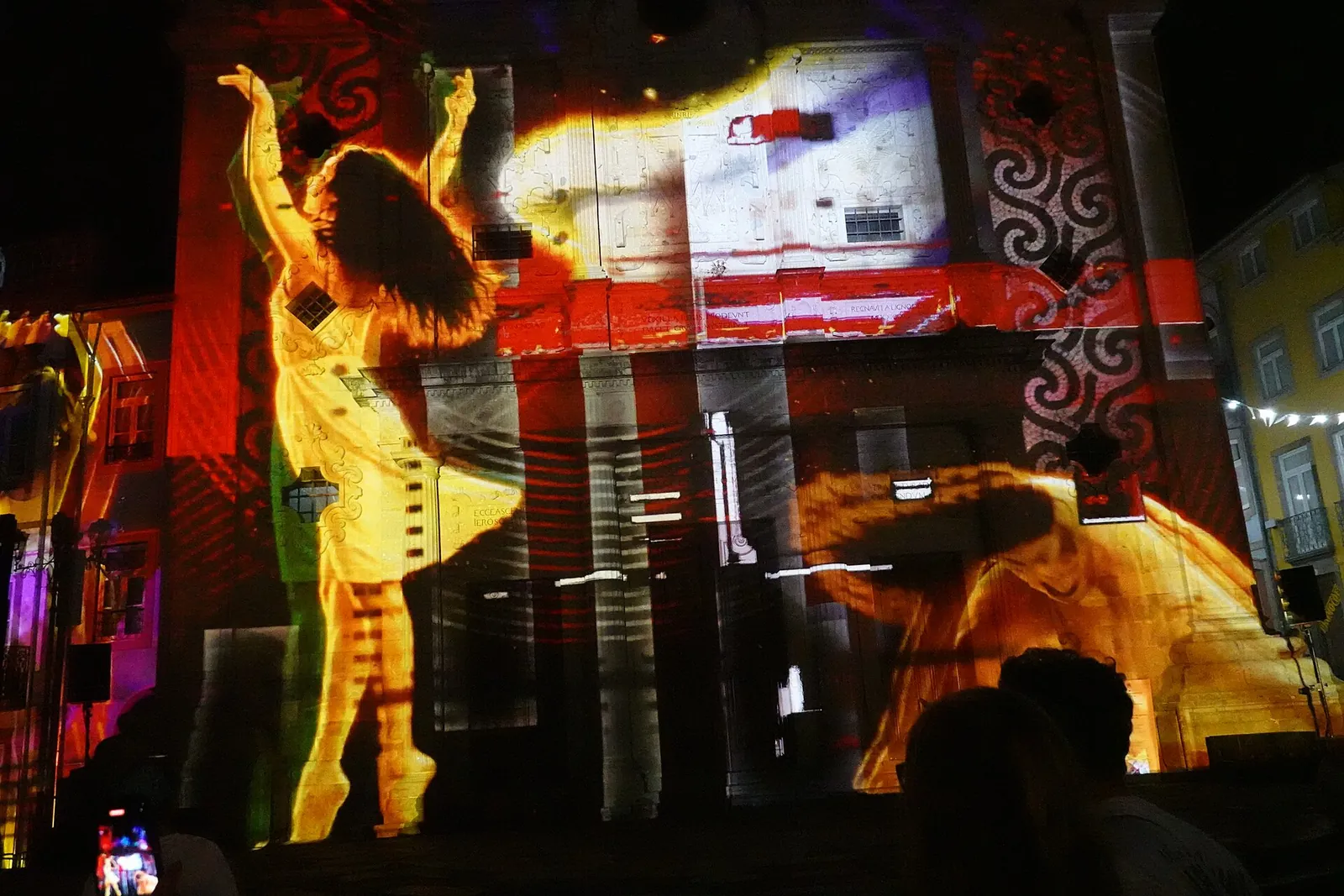
- MadMapper is built for mapping first, on Mac and Windows, with rental and perpetual licences and a trial that watermarks the output. Its site lists licences from €399 before tax, or rental from €39 a month, and our guide to projection mapping for beginners compares it with the other mapping tools.
- Millumin is show control for theatre, dance and video mapping, on the Mac only. It can be rented for €29 for seven days, €69 for 30 days or €199 a year, or bought from €399, which suits a production that needs it for one run. The trial lasts 30 days, then adds a watermark.
If mapping is a small part of the job, Arena is still the easiest single purchase, since it does the clips and the mapping in one place.
If you want scenes that follow the music
A lot of clip-based sets are spent pressing buttons on the beat. If what you wanted is a picture that follows the music by itself, a tool built on audio analysis does that job with less work.
Synesthesia is a music visualizer made of scenes, shader programs that already respond to the audio, on macOS and Windows. Standard is $199 and Pro is $399 with Syphon, Spout, NDI and OSC, both perpetual, and the trial is watermarked but not time limited. Imaginando VS is a visual synthesizer that reacts to audio and MIDI and also runs as a plugin inside a DAW, for €129 on the desktop, with VS 2 on iPad at $49.99.
ImmerGround sits in the same group from a different angle. It does not generate the picture; it takes your clip or photo and maps what it hears, bass, mid, high, loudness and the beats, to effects like zoom, strobe, RGB split and the thermal looks. A kick can fire a freeze, and motion tracking keeps the effects on the subject. Its Trigger mode will feel familiar from a Resolume deck: a bank of looks sits on MIDI pads, and each pad swaps the content and fires its own effect changes. For a Resolume user it also works as a clip factory: every session records a real-time MP4 and can be re-rendered later at a higher resolution, so the reactive clips you make on a phone can go into your Resolume deck the next night.
If it has to be free
There are free routes, and each one has a catch worth knowing before a gig.
| Route | The catch |
|---|---|
| The Resolume demo | Fully functional, but a watermark and a robotic voice. |
| The VDMX demo | Everything works except saving. |
| The Synesthesia trial | No time limit, but a watermark. |
| TouchDesigner Non-Commercial | Free for personal work, capped at 1280 by 1280, and you build the mixer yourself. |
| cables.gl and Hydra | Free in a browser, and again you build it: nodes in one, code in the other. |
| iPad apps that download free | GoVJ, VJ Live and others download free and sell plans or upgrades inside the app. |
ImmerGround is in the last row: it is free to download, and ImmerGround Pro is $6.99 a week or $39.99 a year. Our browser visualizer is the free part with no strings: the app's effects and mappings on your clip, your mic or a song as the source, and a video out of up to 60 seconds with a small immer ground mark in the corner.
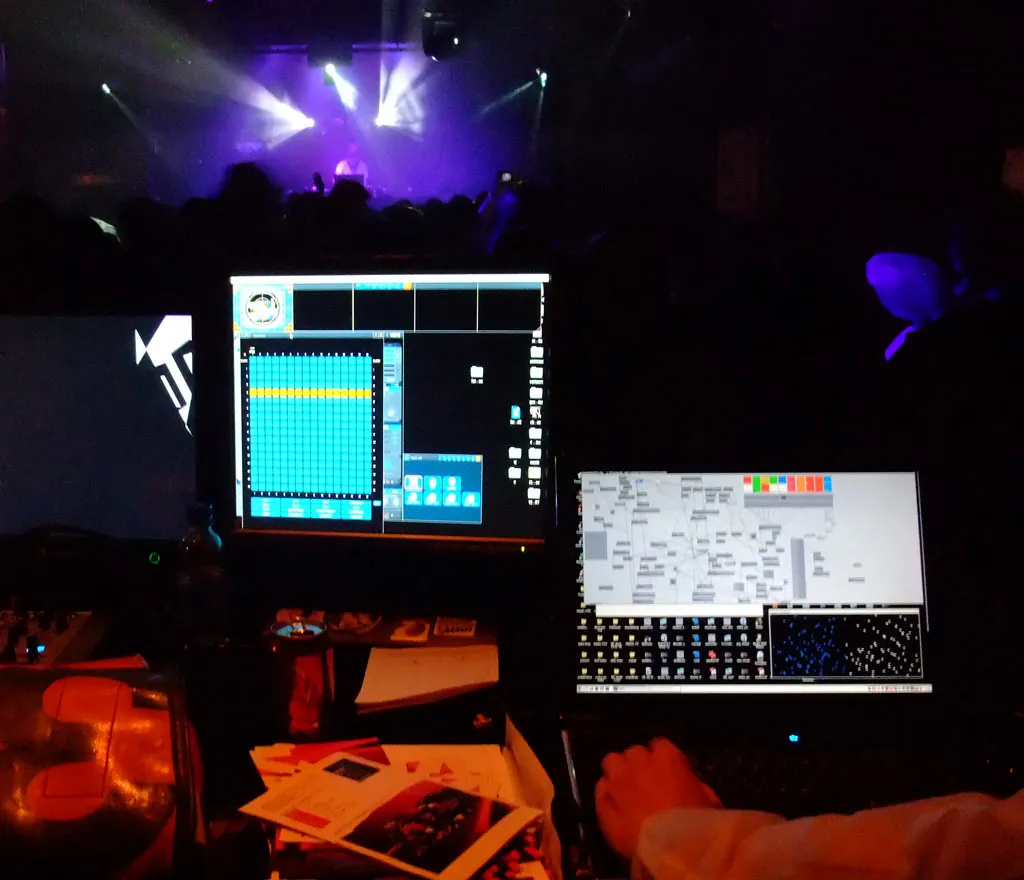
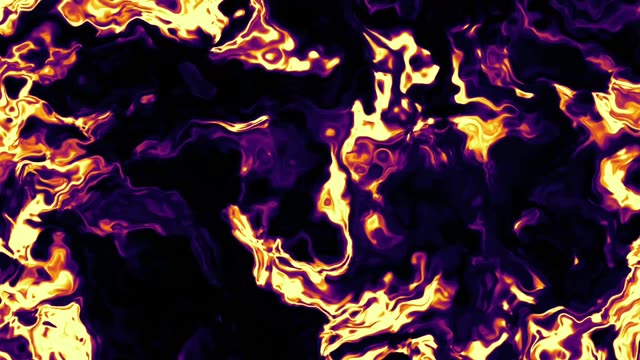
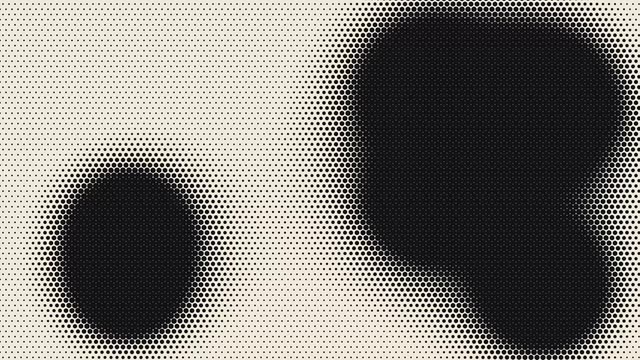
The cheapest real upgrade to any of these is content. Our free VJ loops are CC0 and made to drop into Resolume or any other tool: 4K and 1080p, 32 beats at 120 BPM, with no visible join. In Resolume, set the clip's beat count to 32 and it stays in time with the set. Our guide to free VJ loops compares the other free sources and what their licenses allow.
What to check before you switch
Changing VJ software a week before a gig is how sets go wrong. Whatever you move to, run through this list at home first.
- Your clip library. DXV is Resolume's own codec. If your library is encoded in it, check that the new tool plays those files smoothly, or budget the hours to re-encode. Test your heaviest clip, not your lightest.
- Your controller mappings. Mappings do not move between programs, so you will build them again. Our MIDI tester shows exactly what each knob, fader and pad sends, which makes the rebuild quicker.
- Tempo. Check how the new tool follows the BPM: tapping, MIDI clock, or listening to the audio. If your loops are cut to a number of beats, set that once and let the tool keep them in time.
- The output. Plug into a projector or a TV with the exact adapter you will use at the venue, at the venue's resolution. A machine that is smooth on its own screen can stutter when it drives a 4K output.
- A backup. Know what happens if the machine crashes mid-set. A second licence, a second computer, or a phone with a few looks loaded is cheap insurance.
An evening spent on this list is worth more than any feature comparison, this one included.
Where to get it
- Free VJ loops. Thermal, ASCII and glitch, dither and halftone packs. CC0, 4K and 1080p, no email.
- ImmerGround. iPhone, iPad and Mac. Free to download; ImmerGround Pro is $6.99 a week or $39.99 a year.
- MIDI tester. Check what your controller sends before you map it, in Chrome, Edge or Firefox.
- Clip mixers: VDMX, Modul8 and GrandVJ.
- Mapping: MadMapper and Millumin, or Resolume Arena.
- Music scenes: Synesthesia and Imaginando VS.
What to do next
- Name the job: clips, mapping, music scenes, a tablet rig, or building your own. It narrows the list to two or three tools.
- Run the demos side by side with the same five clips and the same track. Resolume, VDMX, Modul8 and Synesthesia all have one.
- Check the platform you will actually play on, including the backup machine. Modul8's licence covers two computers; Resolume's serial covers either system.
- If you want a tablet or a phone, read the iPad roundup and try the free apps first.
- If you are leaving Resolume for more control, the build-your-own end is in our guide to TouchDesigner alternatives.
.jpg)
