Apple Music has a visualizer, but only on the Mac: in the Music app it is under Window, then Visualizer, the descendant of the one iTunes had for years. On iPhone and iPad, Apple describes no visualizer at all; you get lyrics, karaoke and animated album art instead. And like Spotify, Apple Music does not hand its audio to other apps. So there are three routes to visuals with Apple Music, and which one you take depends on the device in your hand and on whether you want Apple's graphics or your own picture.
The three routes at a glance
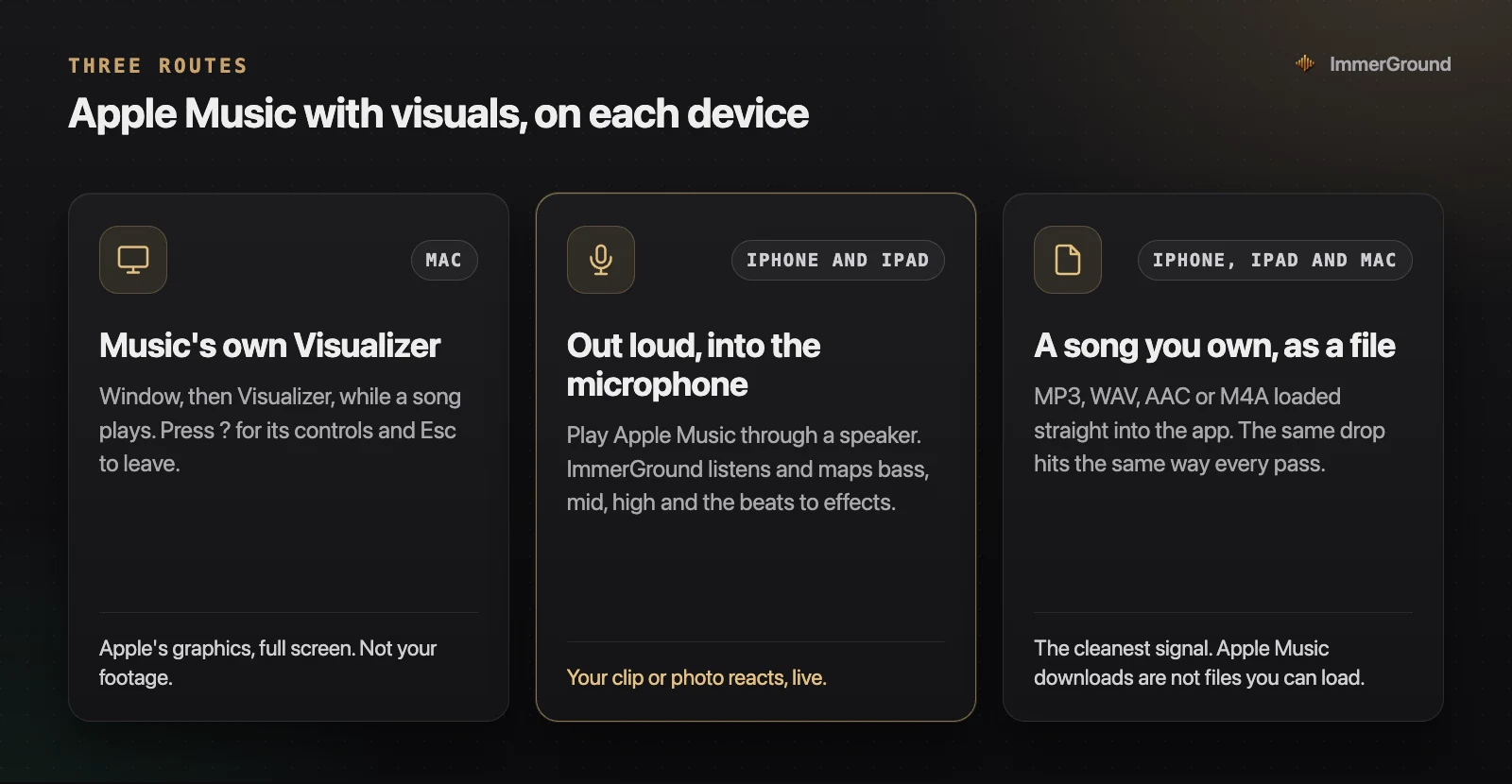
- Music's own Visualizer, on the Mac only. Built in, free, full screen, and entirely Apple's graphics.
- Out loud, into the microphone, on iPhone and iPad. Apple Music plays through a speaker and a visualizer app listens, so your own clip or photo reacts.
- A song you own, as a file, on any of the three. The cleanest signal, for when you want the visuals to hit the same way on every play.
Turn on the Visualizer on a Mac
Apple documents this in its Music user guide for Mac, and it takes four steps:
- Play a song. The Visualizer needs something playing before it will start.
- Choose Window, then Visualizer from the menu bar. The picture fills the screen and moves with the music.
- Press the question mark key while it runs to see the commands it accepts.
- Press Esc to leave, or choose Window, then Visualizer again to turn it off.

Window, then Visualizer Settings holds the options, such as whether music videos play in the Visualizer. Not every visualizer has options, so the menu can be dimmed.
It is a pleasant screensaver for a party, and it costs nothing. What it will not do is show your picture: you cannot load a clip, a photo or a logo, and you cannot choose which part of the sound drives what. For that you need one of the other two routes.
What iPhone and iPad have instead
On iPhone and iPad, Apple's pages describe no visualizer in the Music app. What they describe are three visual features, and none of them reacts to the sound as it plays:
- Time-synced lyrics that scroll with the song, on tracks that have them.
- Apple Music Sing, which lets you turn the vocals down and sing along, with an Apple Music subscription on supported devices.
- Animated album art that fills the screen on albums that have it, made by the artist in advance.
They are good features, but they are the same every time the song plays. A picture that follows this playback of the song, the drop in this mix, needs an app that hears the music.
On iPhone and iPad: play it out loud
This is the same route as for Spotify, and for the same reason: the music has to reach the visualizer through the air. ImmerGround has no Apple Music connection; it listens with the microphone.
- Start Apple Music and play a track with a clear kick through the speaker.
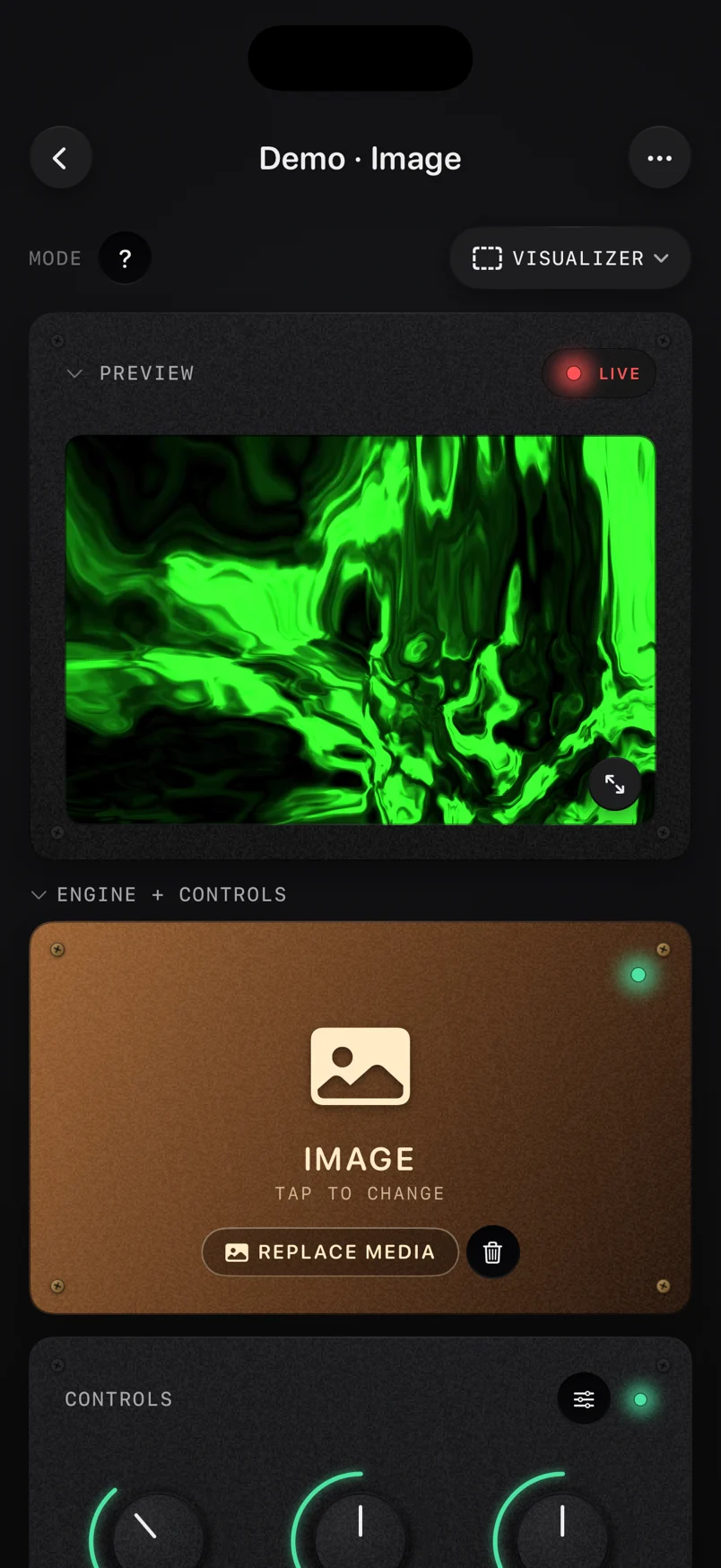
- Open ImmerGround, load a clip or a photo, and pick the microphone as the sound source.
- Check the meters move with the music. Apple Music keeps playing while ImmerGround listens.
- Map three things: the beat to a strobe or a freeze, the bass to a small zoom, and the high end to an RGB split.
Headphones break this route: with AirPods in, the music is in your ears, where the microphone cannot hear it. A phone speaker works but has little bass, so beat mappings react better than bass ones; a Bluetooth speaker or the room's sound system gives the microphone the low end. For a party, run Apple Music on your phone and the visuals on an iPad facing the speaker, and send the picture to the TV over HDMI or AirPlay. Our guide to a Spotify visualizer on iPhone and iPad covers the setup and the mappings for room sound in detail, and all of it applies here.

A song you own: load the file
If you have the track as a file, skip the microphone. ImmerGround plays MP3, WAV, AAC and M4A files directly, on iPhone, iPad and Mac, and reads the sound before it reaches a speaker. There is no room noise and no weak phone bass, and the same drop hits the same way on every pass, which makes tuning a mapping much quicker.
This works for music you actually have as files: your own tracks and bounces from your DAW, a song you recorded, a track from a store that sells downloads. It does not work for Apple Music downloads. Those carry usage restrictions (Apple's own pages say you cannot even burn them to a disc), so they are not files another app can open.
For the picture, pick something with edges and contrast: a performance clip, city lights at night, a face, your cover art. Effects read far more clearly on highlights and lines than on flat colour, and a short clip that loops cleanly keeps the eye on the effects instead of on the cut.
The file route is also the one for making something: a visualizer video for a release, a loop for a story. ImmerGround records every session as a real-time MP4 alongside the timeline of every signal and change, and it can re-render the session later at another resolution, so the take you jammed on a phone can come out at a size fit for a release. Our guide to a music visualizer video for your song covers that step by step.
On a Mac, with your own picture
A Mac gives you both. Keep Music's Visualizer for Apple's graphics, and for your own picture there are two options.
- ImmerGround for Mac. The same app as on iPhone and iPad, native on Apple Silicon with macOS 14 or later. Load the song as a file, load your clip or photo, and map the sound and your MIDI controller to the effects.
- The free browser visualizer. Our live audio visualizer runs in a web page and listens through the microphone without echo cancellation, so music playing from the Mac's own speakers reaches it. Pick the microphone, play Apple Music out loud, and choose a clip, a photo, the camera or a scene drawn in code. It records up to 60 seconds, with a small immer ground mark in the corner, and nothing is uploaded.
If you only want a moving picture while the album plays, the built-in Visualizer is the answer and costs nothing. The moment you want your own footage, your logo or your cover art in time with the track, move to one of the two above.
Questions people ask
Is there a visualizer in Apple Music on iPhone or iPad? Apple does not describe one in the Music app on iPhone or iPad. The closest built-in features are the lyrics view, Apple Music Sing and animated album art. For a picture that reacts to the sound, use the microphone route above.
Can the visuals use the album's cover art? ImmerGround does not read what Apple Music is playing, so it cannot fetch the artwork for you. If you have the cover as an image, load it into the image engine as the picture and let the music drive the effects on it. For a single you released yourself, that is often the best-looking option there is.
Does it work with a HomePod or an Apple TV playing the music? Yes, through the microphone. The sound comes out of a real speaker in the room, so an iPhone or iPad within earshot hears it like any other source.
Do I need an Apple Music subscription for any of this? Only to stream Apple Music itself. The Mac's Visualizer runs with any song playing in the Music app, including files you added yourself, the microphone route works with any source at all, and the file route needs only the file.
Where to get it
- Music's Visualizer. Already on your Mac: Window, then Visualizer, with a song playing.
- ImmerGround. iPhone, iPad and Mac. The microphone on iPhone and iPad, and audio files you own on all three. Free to download; ImmerGround Pro is $6.99 a week or $39.99 a year.
- Free live audio visualizer. In your browser, with your mic, a song file or a demo beat, on a clip or a photo, with a video out.
- BPM finder. The tempo and key of a song from a file or the microphone, if you are planning a set.
What to do next
- On a Mac, play an album and open Window, then Visualizer, to see Apple's version first.
- On iPhone or iPad, play Apple Music out loud, open ImmerGround with the microphone, and watch the meters.
- If you own the track as a file, load it instead and tune the three mappings on a signal that repeats exactly.
- Record a take with your own clip or photo, and re-render it at the size you need.
- Comparing tools for a bigger setup? Our roundup of the best VJ apps for iPad checks ten of them feature by feature.